
Teams
Plan projects, keep meeting notes next to the follow-ups and see who owns what.
- Topics for projects and meetings
- Board and calendar views on Team
- Admin and Viewer roles
Shared notes and tasks for teams, families and groups, on the web, iPhone and Android.
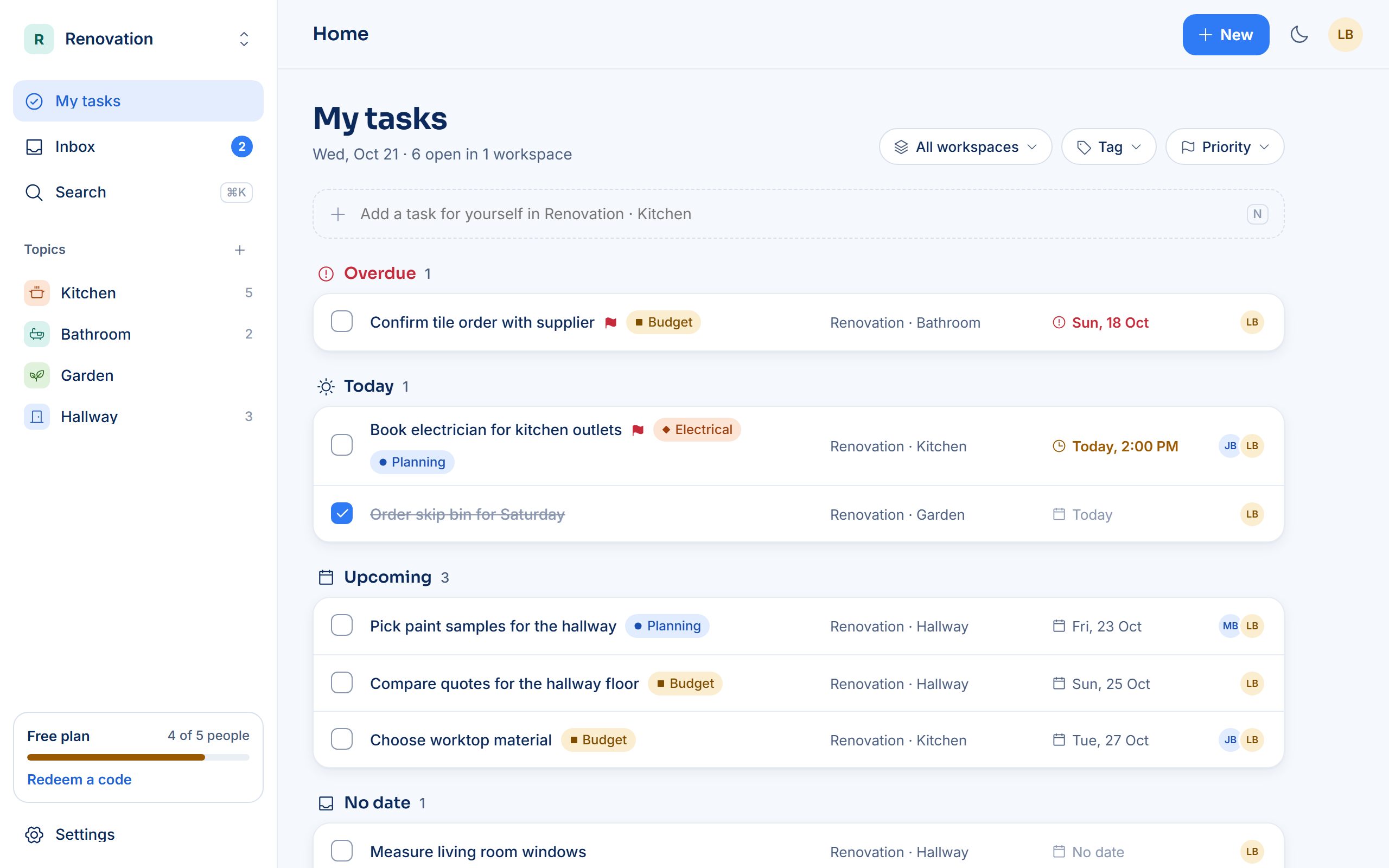
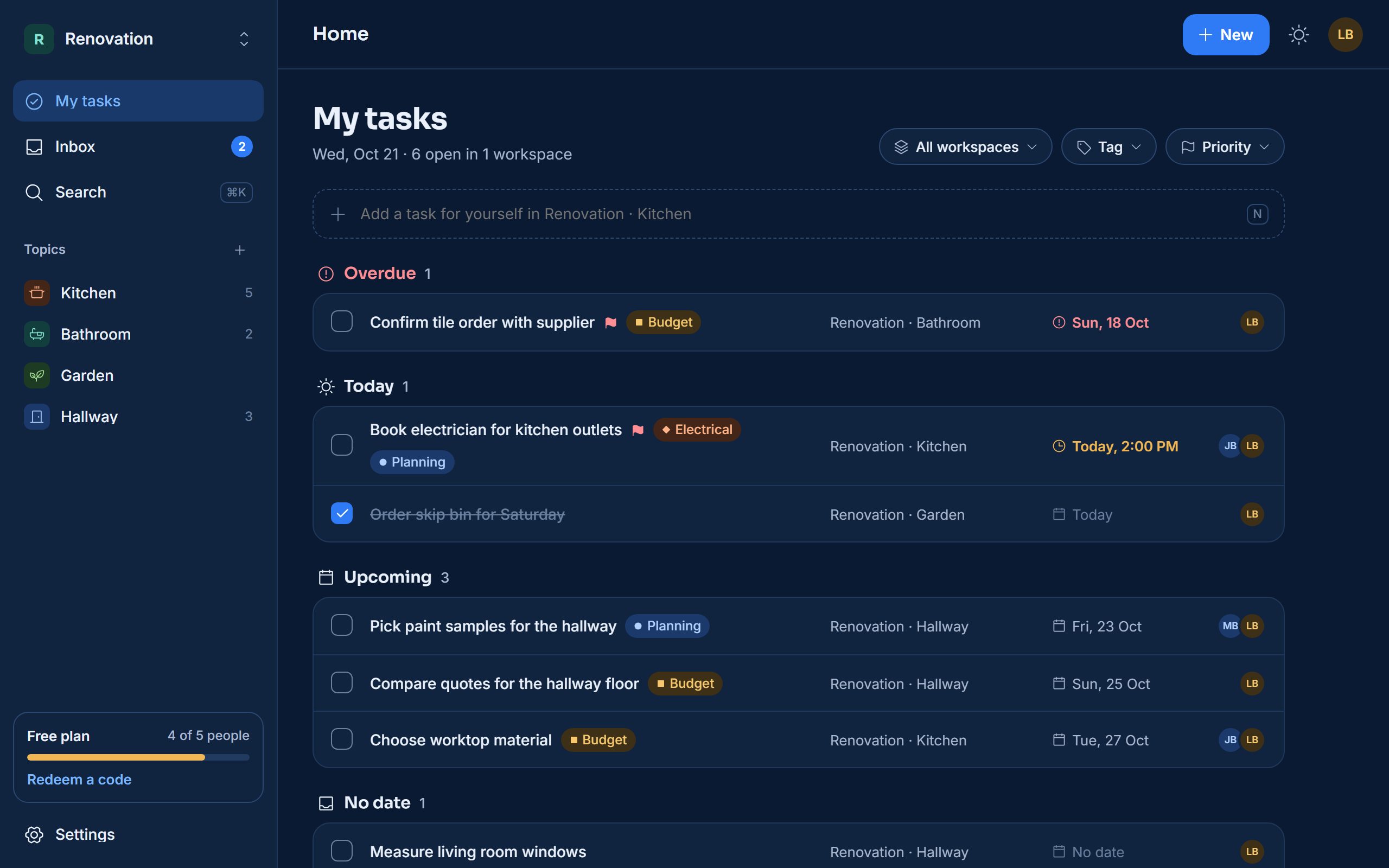
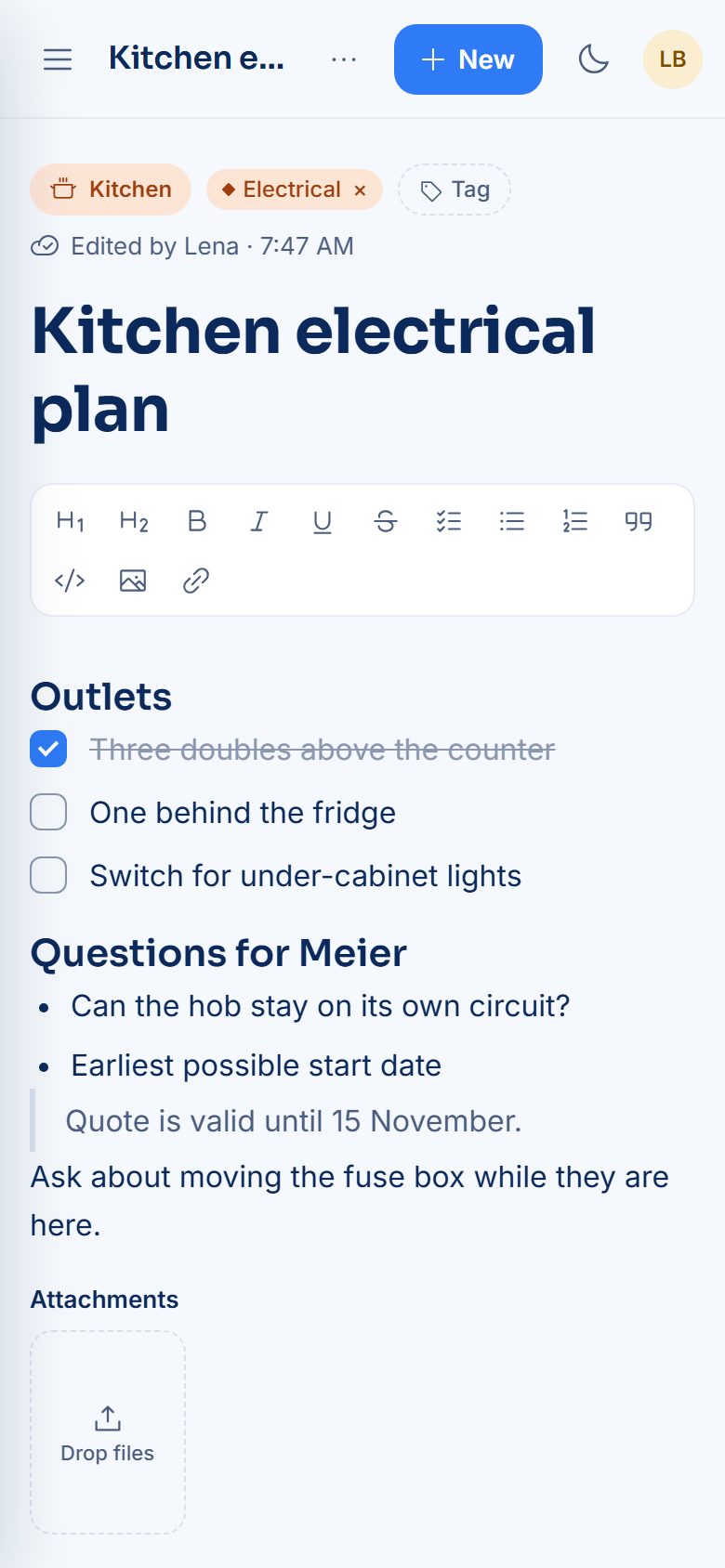
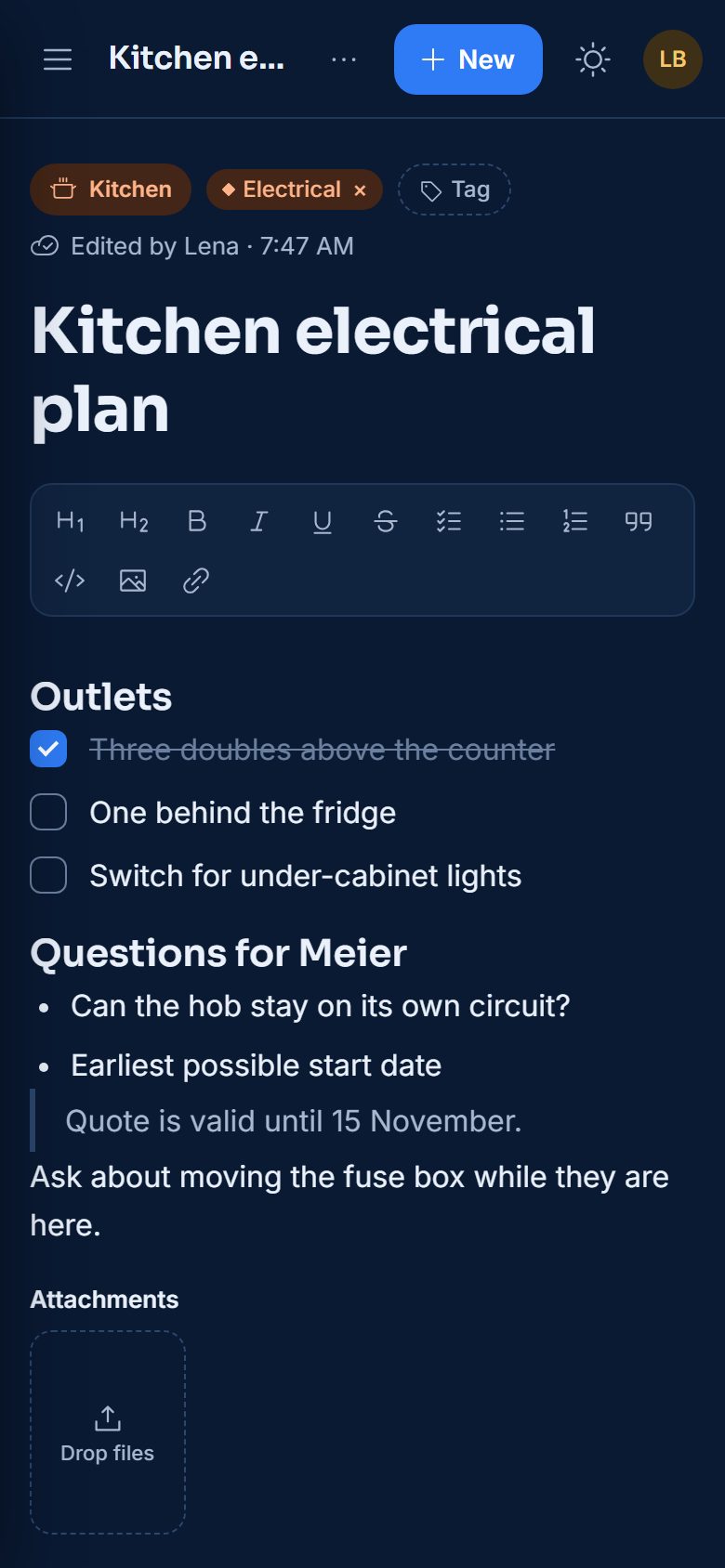
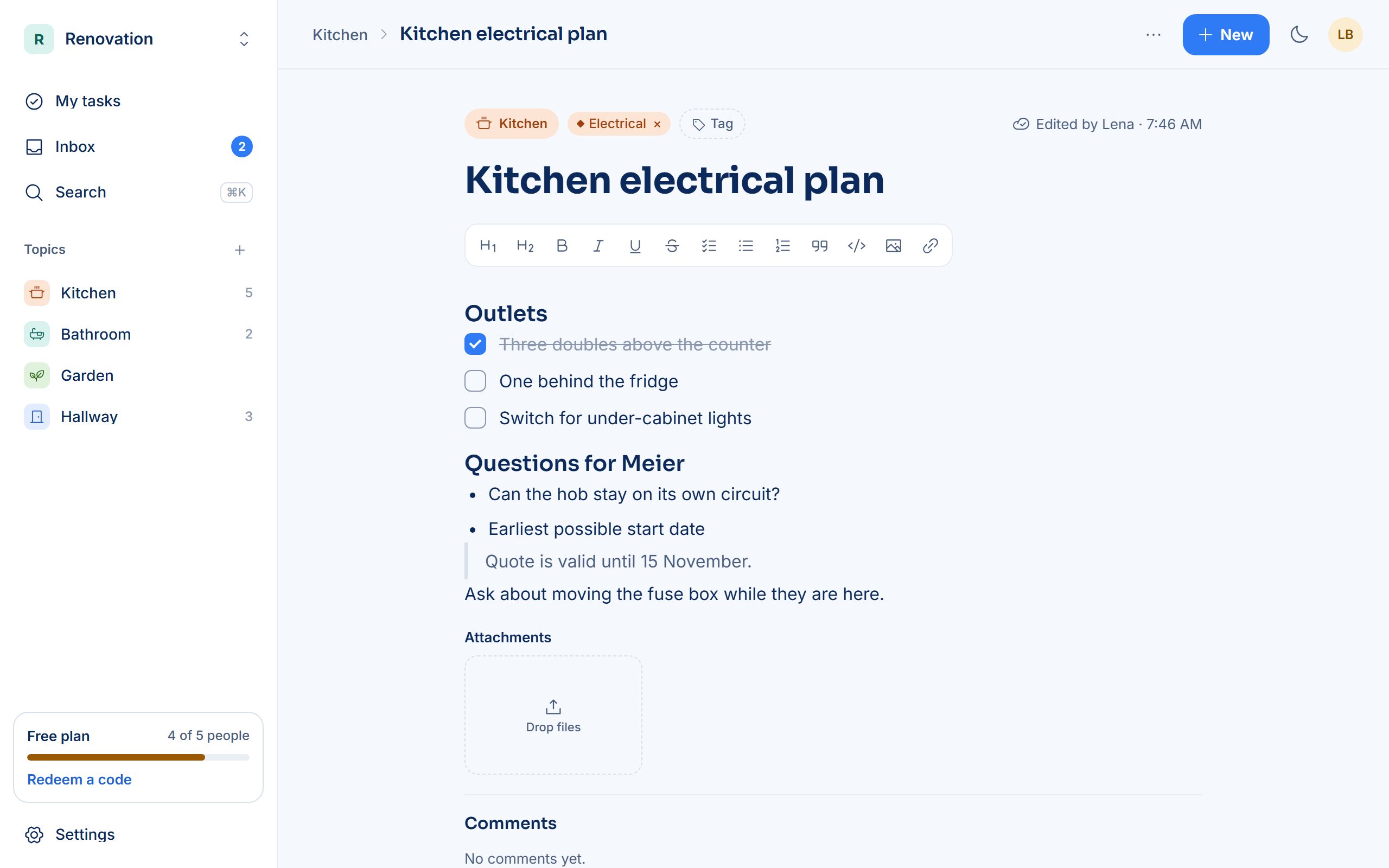
Notes and tasks live side by side, organized by topic, so the shopping list, the meeting notes and the to-dos never end up in five different apps.
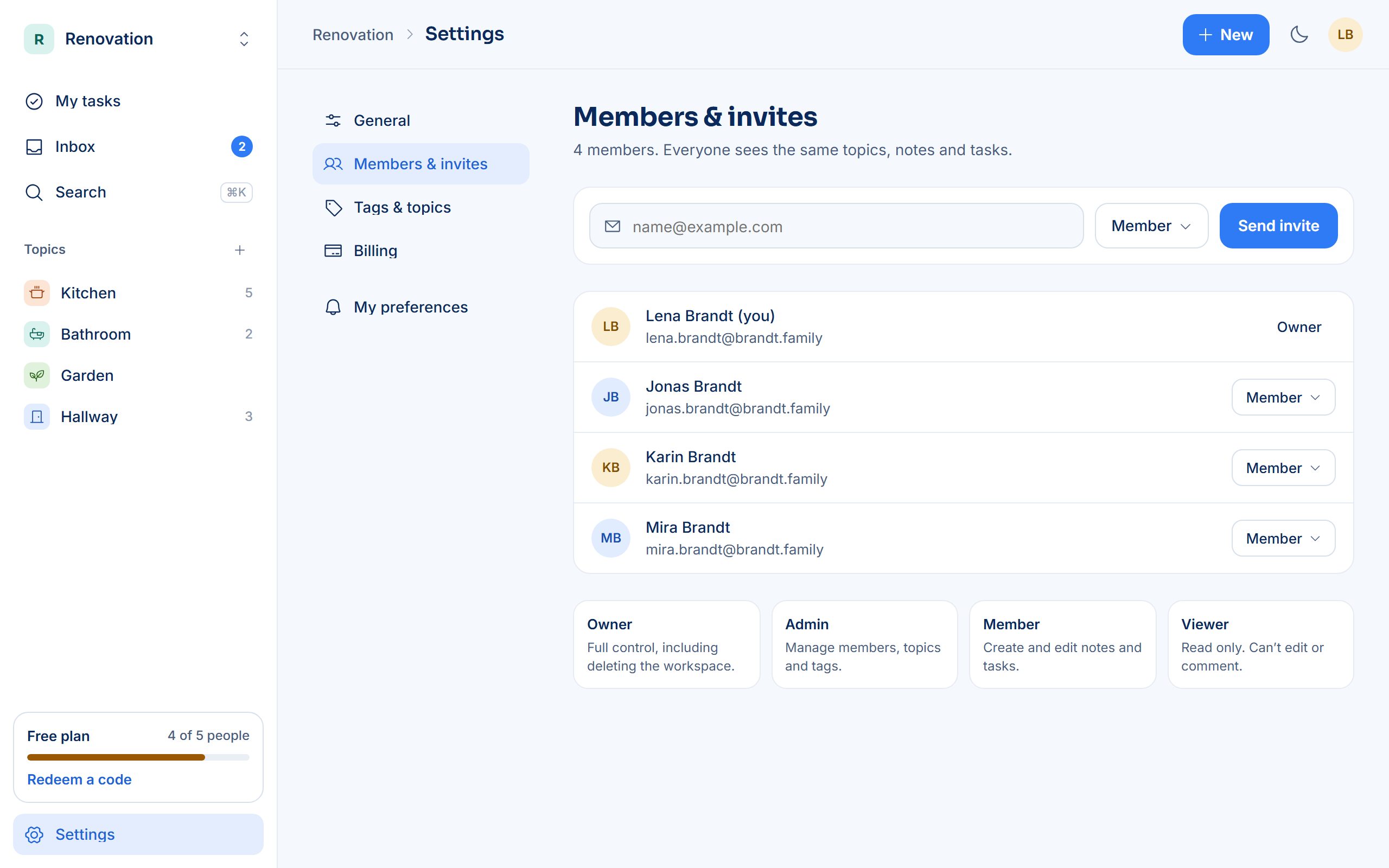
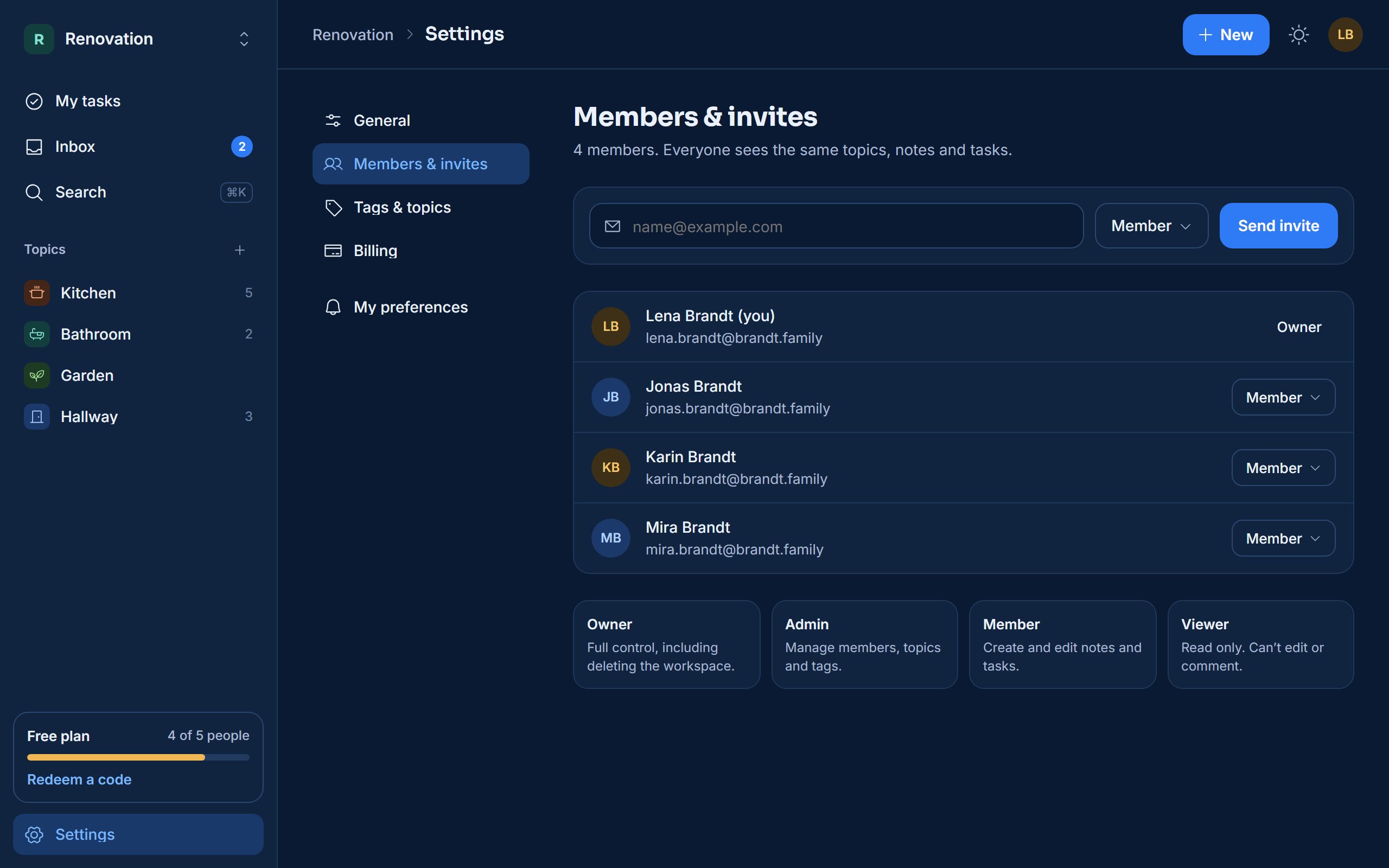
Make a workspace for the office, the family or the club and invite people by email. Owners, Admins, Members and Viewers each get the access that fits their role.
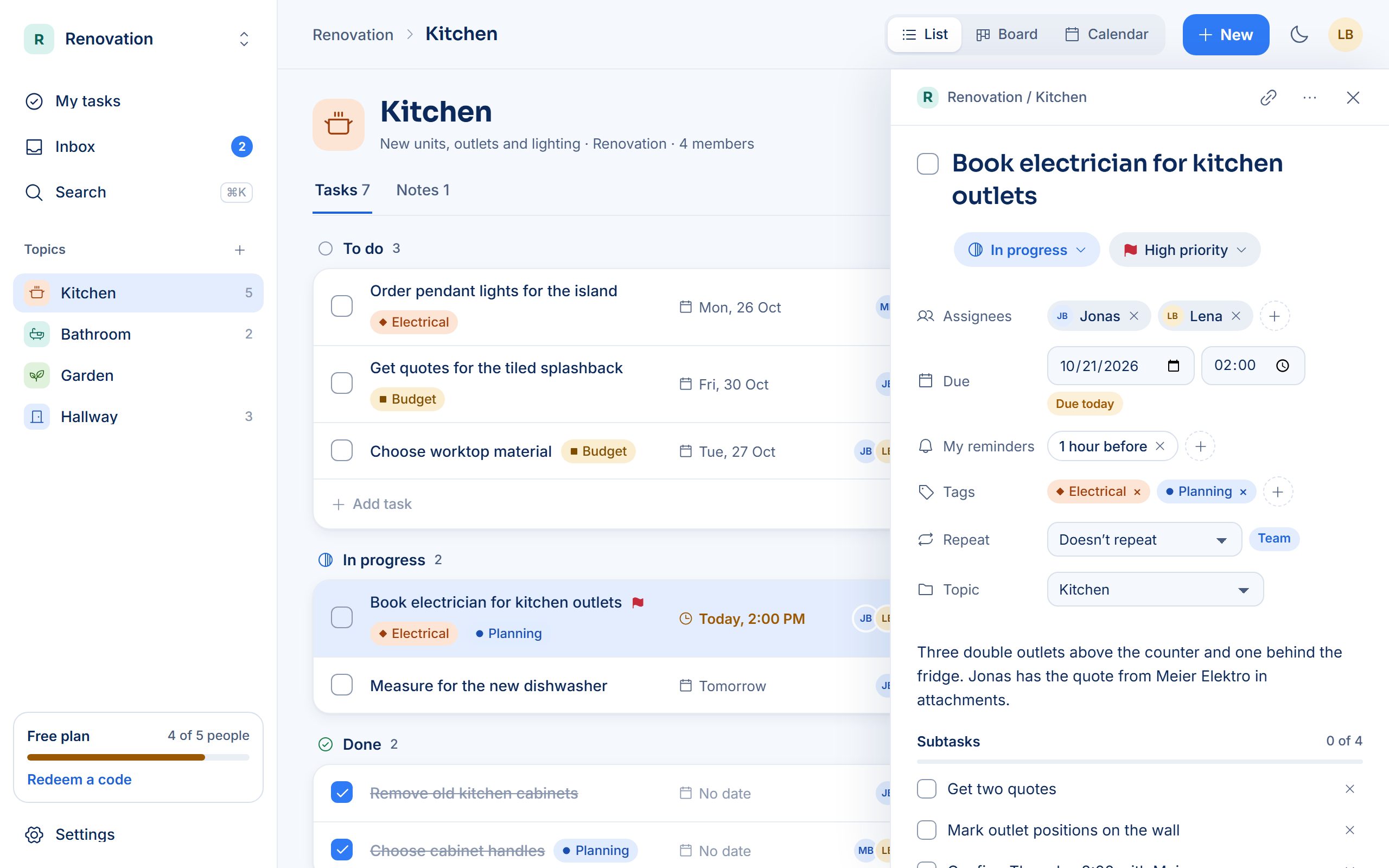
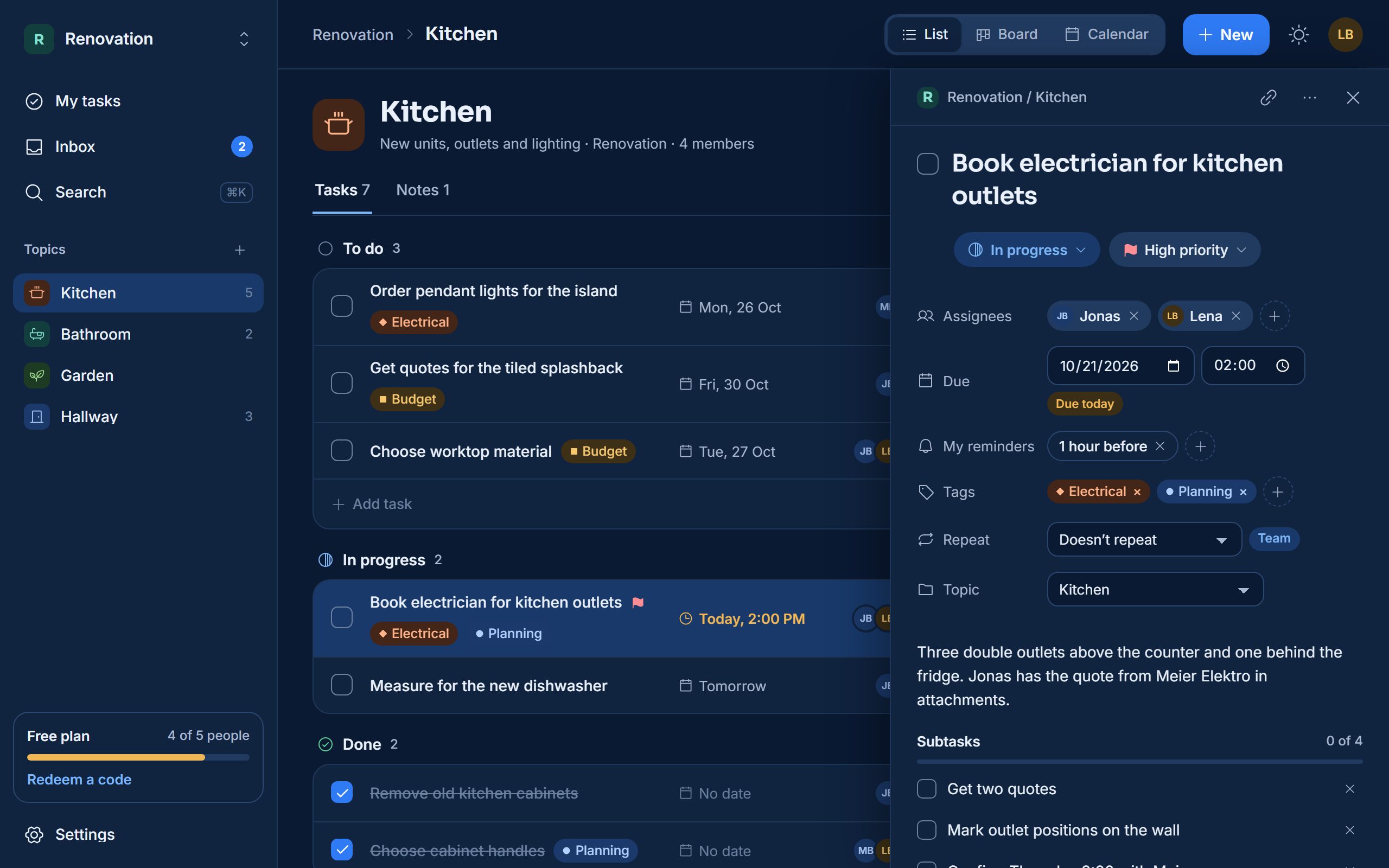
Group notes and tasks into topics like Kitchen or Newsletter. Color-coded tags cut across topics, so you can pull up everything marked Budget in one click.
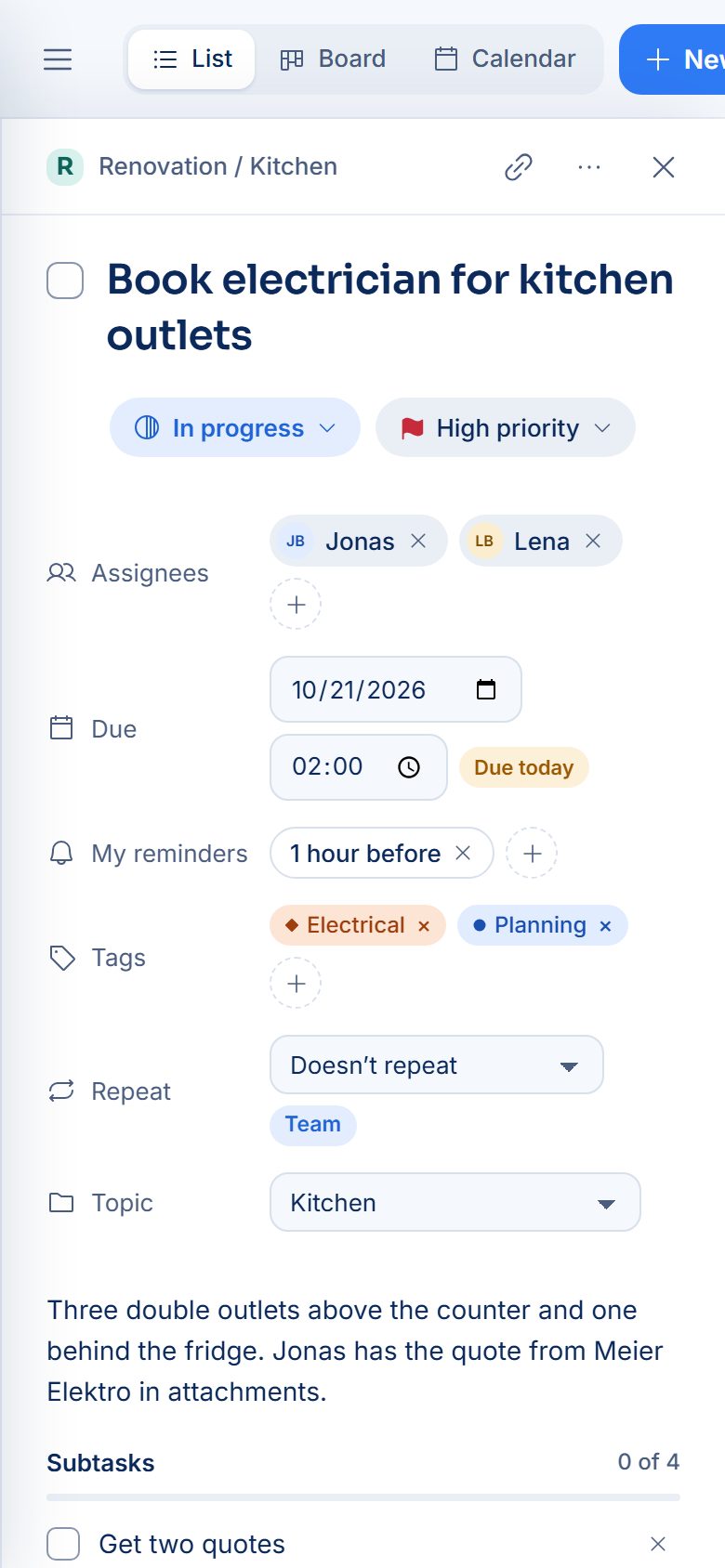
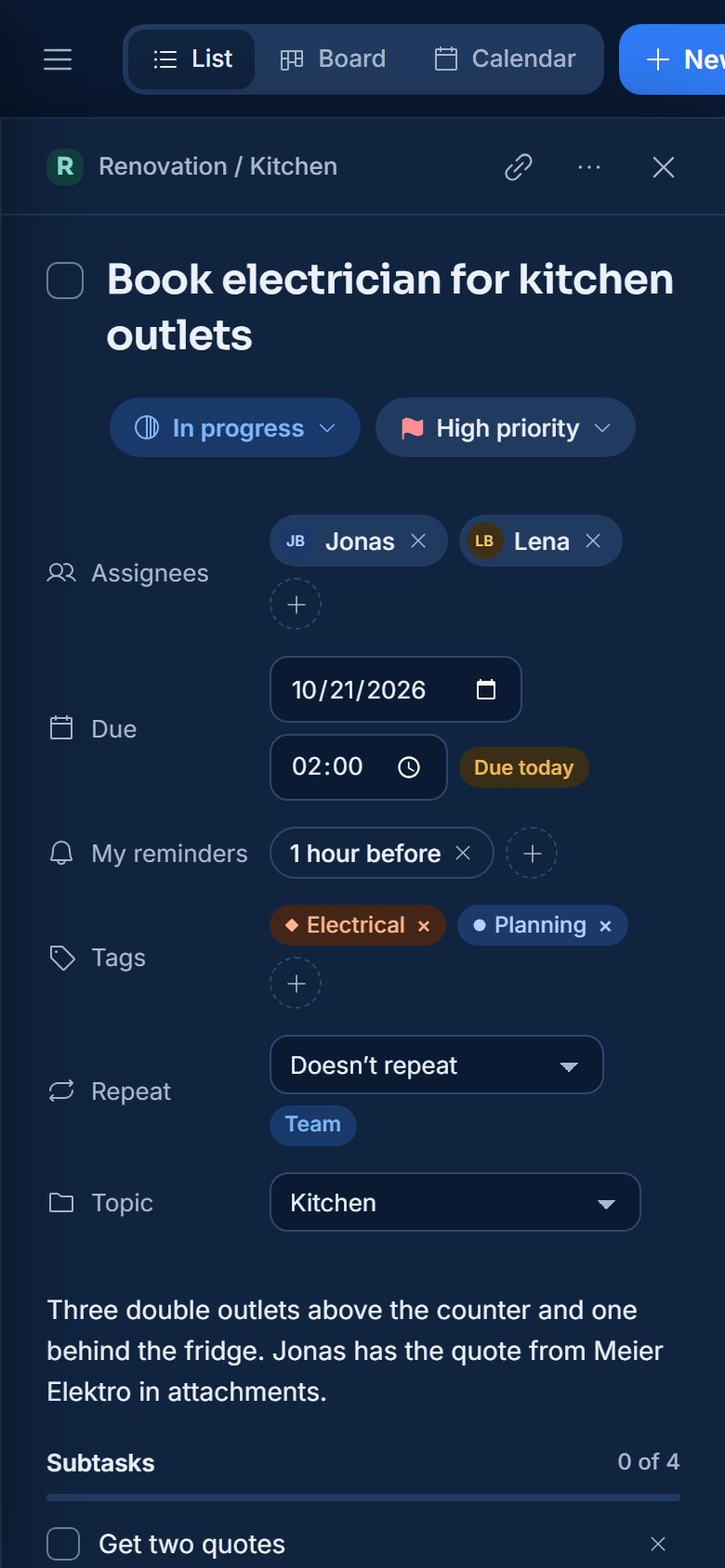
Give each task an owner and a due date. Everyone sets their own reminders, so the right person hears about it before it’s due.
Share a photo, a WhatsApp message, a link or a file to Nestly and attach it to a new or existing note or task, without copying and pasting.
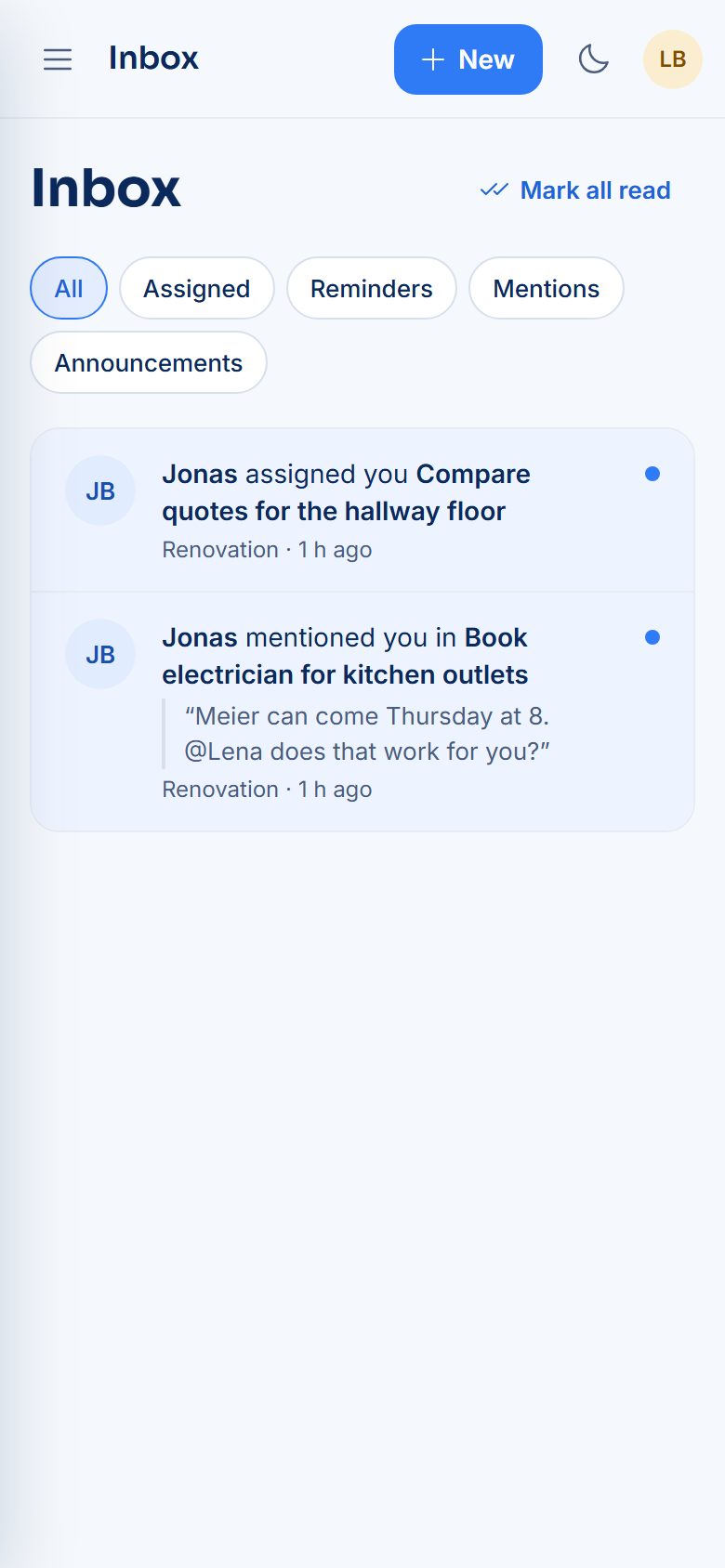
Assignments, mentions and reminders arrive in one inbox. Filter by type, open each item in place and mark it read when you’re done.
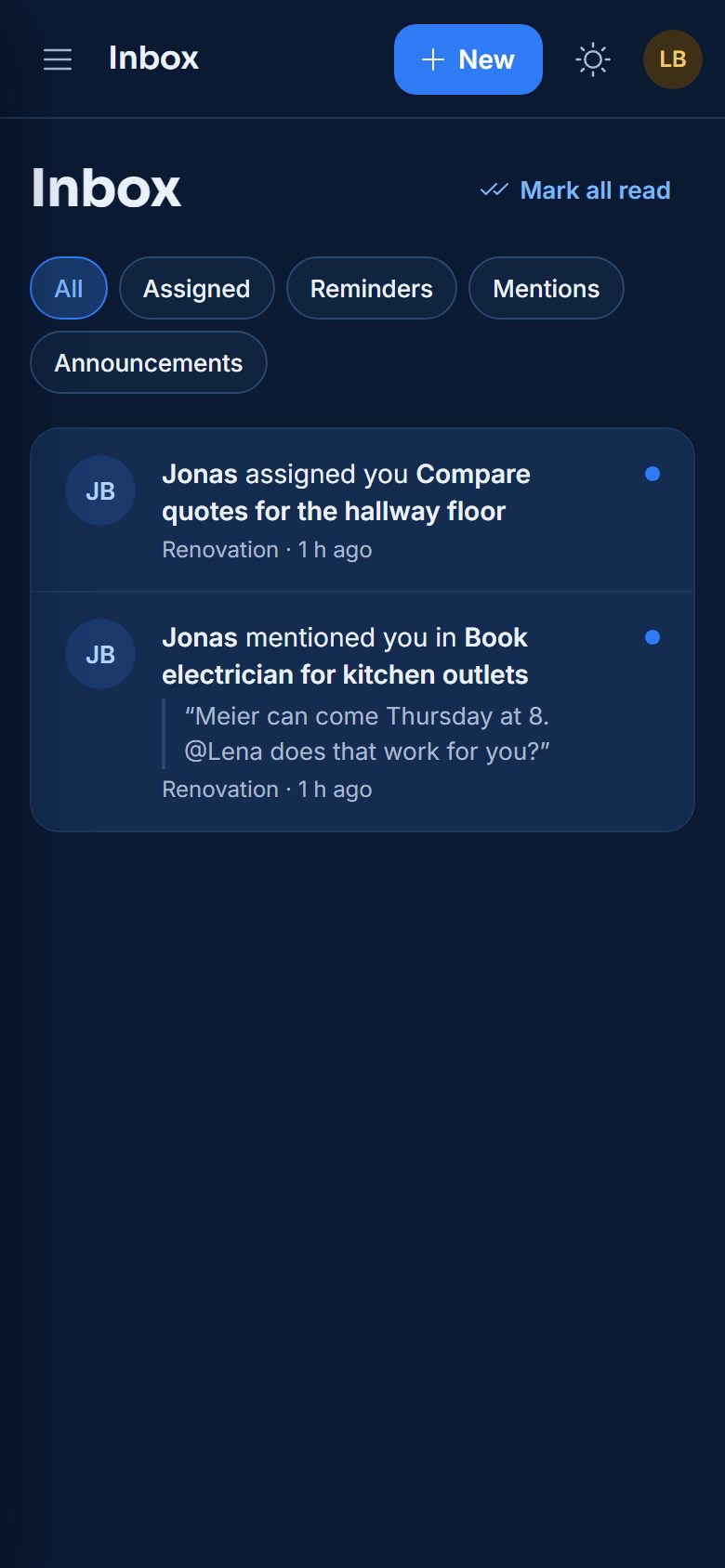
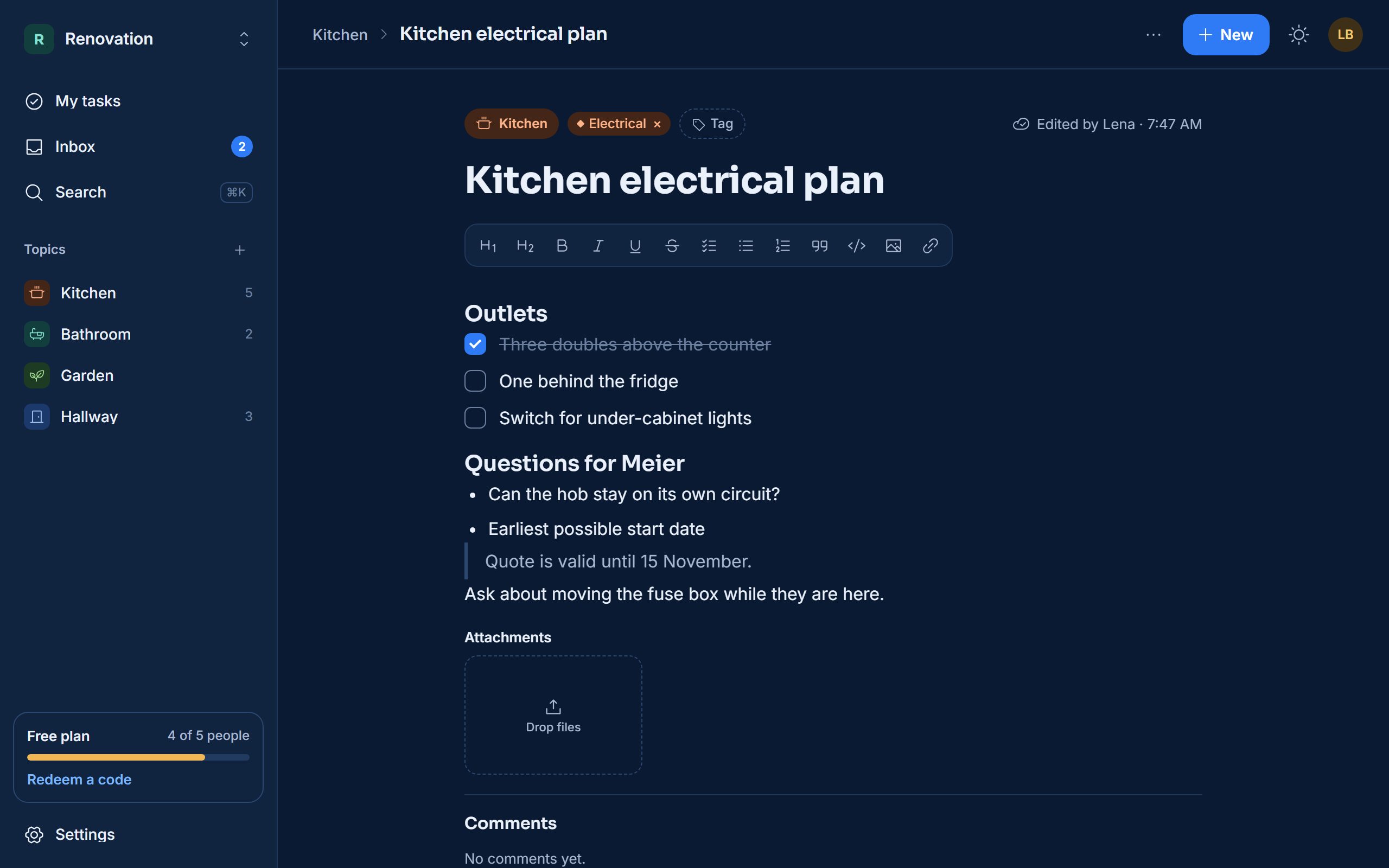
Start a note on your laptop and tick it off on your phone. Changes sync across web, iOS and Android as you make them.
No setup calls and no passwords. Sign in with the account you already use.
Create your free account in seconds. Nestly never stores a password.
Start from a template for teams, families or personal use, then invite people by email.
Add notes and tasks on the web or your phone, share from other apps and let reminders do the chasing.
Plan projects, keep meeting notes next to the follow-ups and see who owns what.
Renovations, trips, chores and shopping lists, shared with everyone at home.
Track client requests and day-to-day operations without another heavy tool.
Your workspace is yours. Permissions are checked on our servers for every request, not just in the app.
Sign in with Google or Microsoft, and sign out of every device at once.
The people who run Nestly see names, counts and plans, never notes, tasks, comments or files.
Files are shared through short-lived links and checked for type and size.
Owners, Admins, Members and Viewers each get the access they need, nothing more.
Start free. Upgrade when your group needs more room, more views or more control.
Paid plans launch soon. Need more than 100 seats? Contact us.
Scroll sideways to see every plan.
Can’t find what you need? See all questions.
Free workspaces have up to 5 people, unlimited notes and tasks, one reminder per task, list view, sharing from any app and 500 MB of storage. You can own two Free workspaces and join as many as you’re invited to.
Paid plans are launching soon. Until then, Team and Business are available through promo codes or when the Nestly team grants a plan to your workspace. Choose “Notify me when available” in Billing and we’ll let you know.
Owners and admins redeem a code in Settings › Billing or from a share link. The code upgrades one workspace for the time it states. When the plan ends, the workspace returns to Free and nothing is deleted.
Only members of the workspace they belong to, according to their role. Nestly staff who run the service see account metadata such as names, counts and plans, but never the content of notes, tasks, comments or attachments.
Nestly runs in any modern browser, and the iPhone and Android apps add push reminders and sharing from other apps. Everything stays in sync across devices.
With your Google or Microsoft account. Nestly doesn’t store passwords, and you can sign out of every device at once from your settings.
Free for up to 5 people per workspace. No credit card needed.