

Your account, devices and data
Profile and theme, signed-in devices, export everything and delete your account.
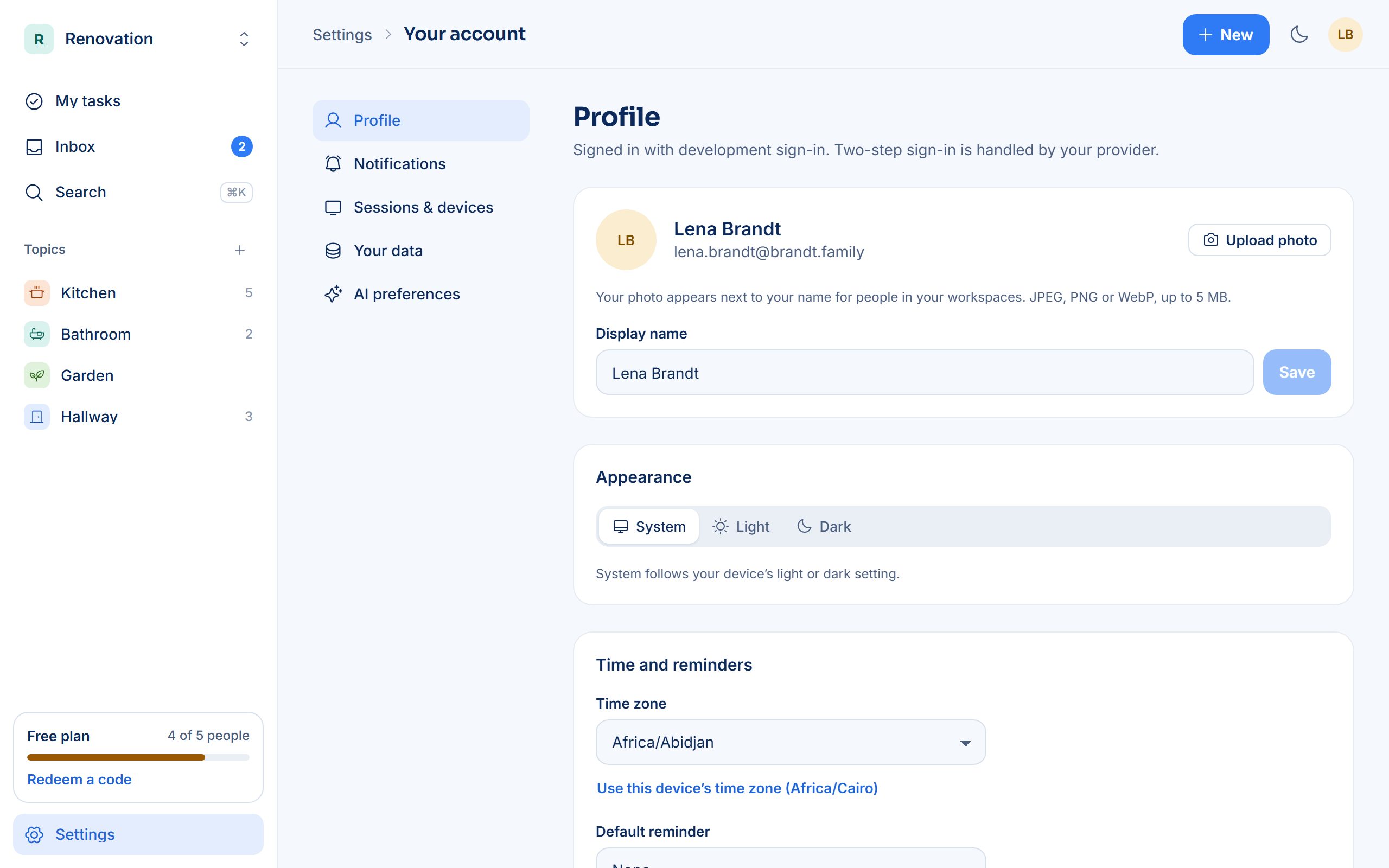
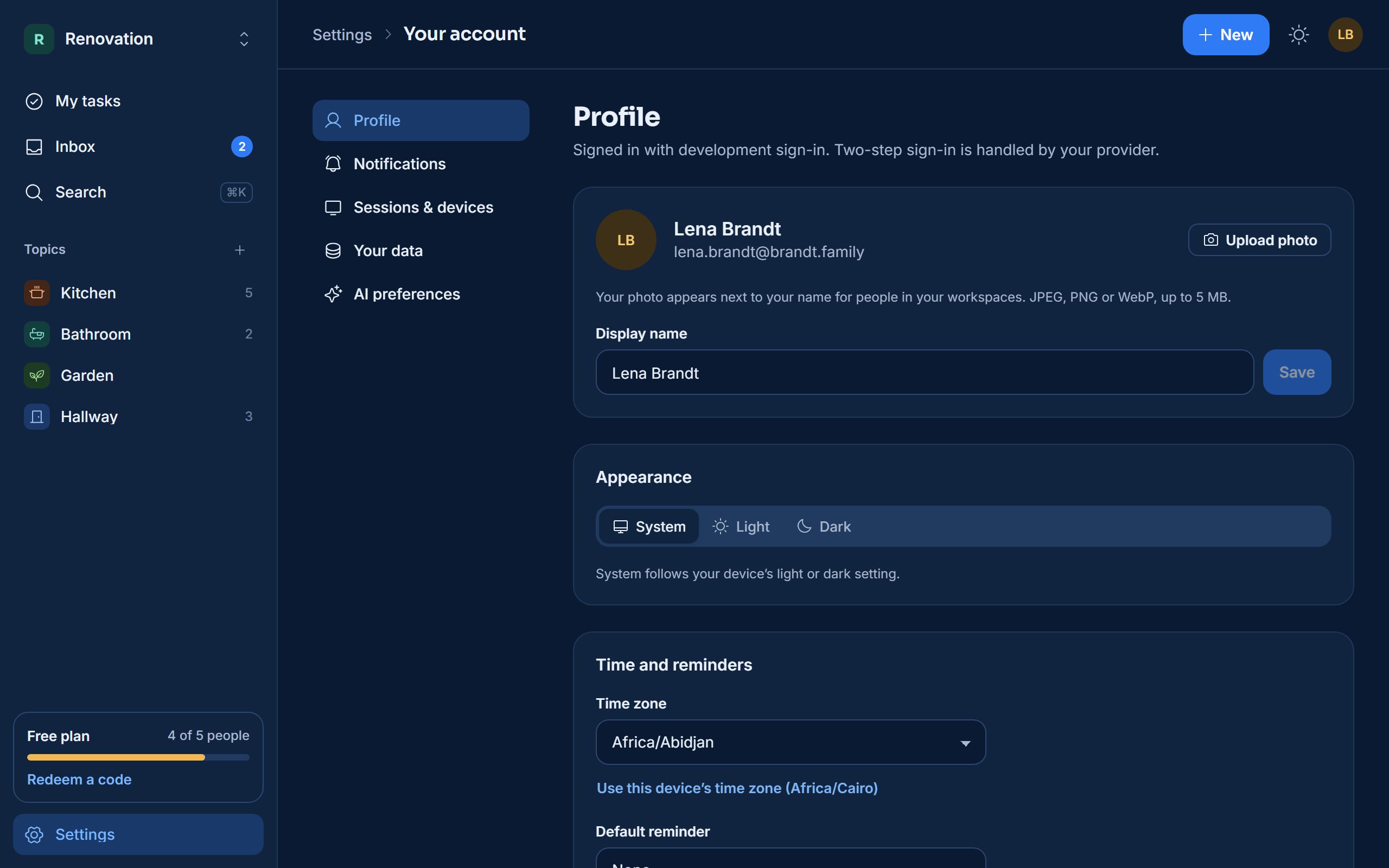
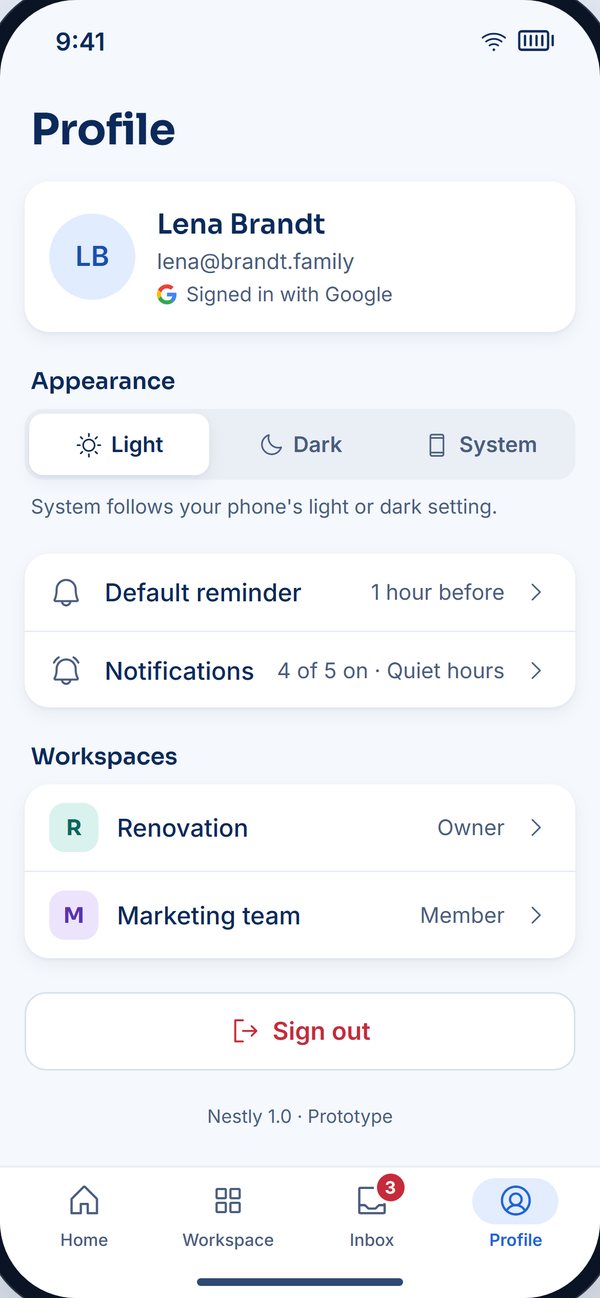
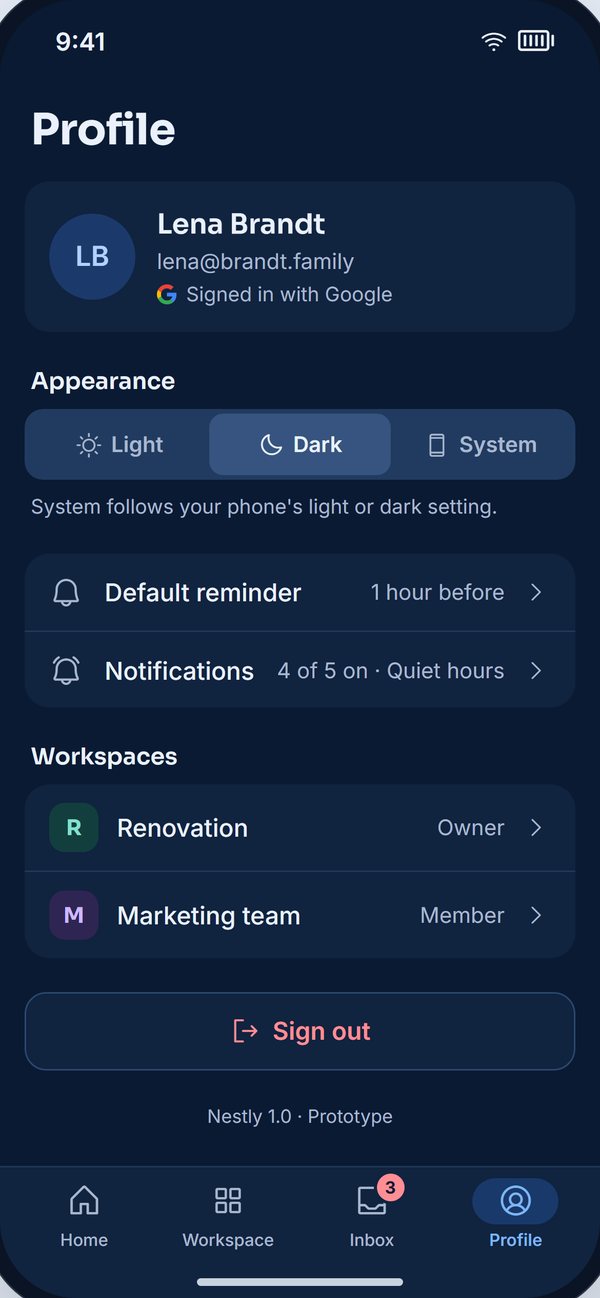
Profile and appearance
Web app
- Settings › Profile: change your name and photo and choose light, dark or system theme.
iPhone and Android
- Profile tab: tap your account card to change your photo; Appearance sets Light, Dark or System.
Sessions and devices
Web app
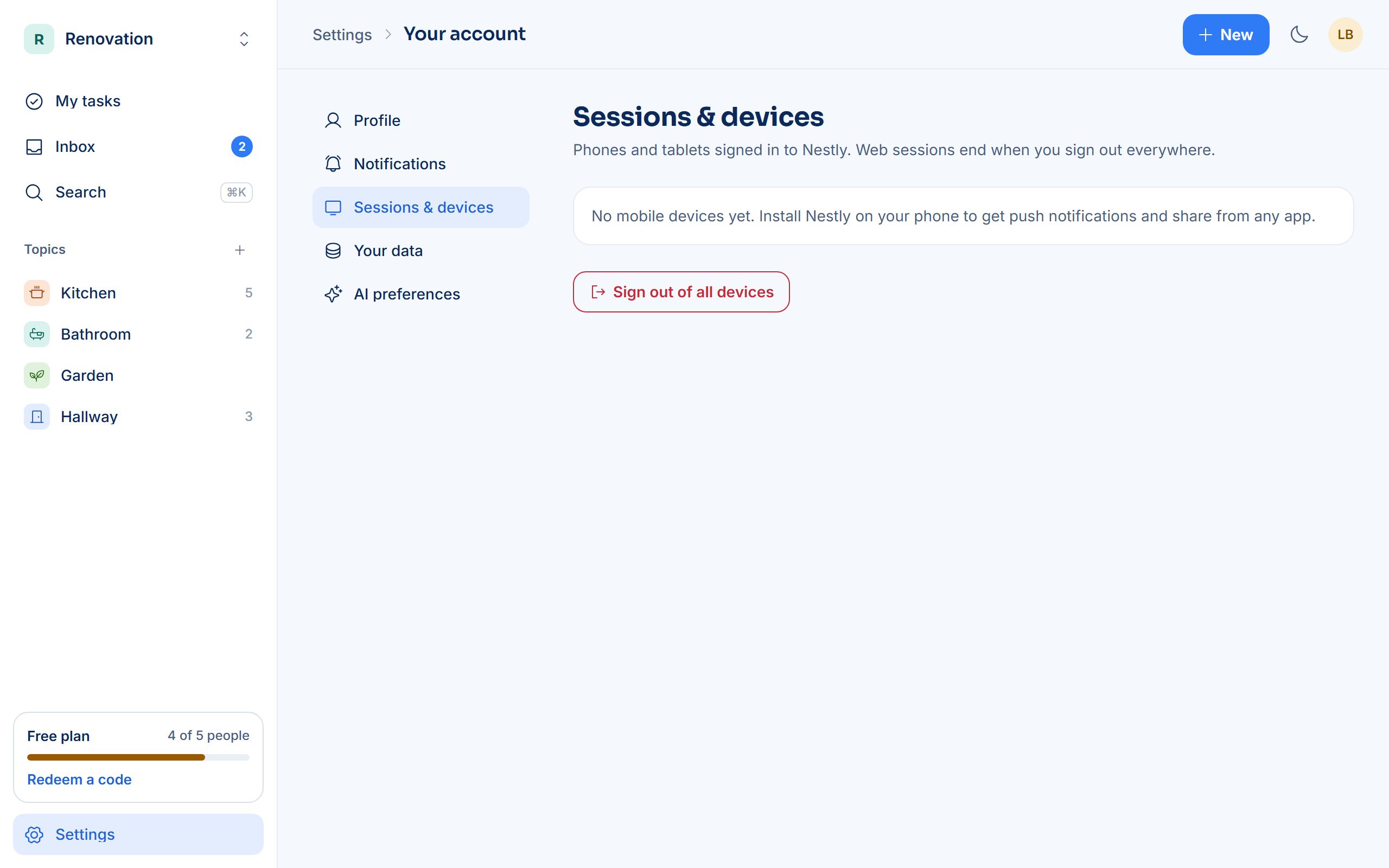
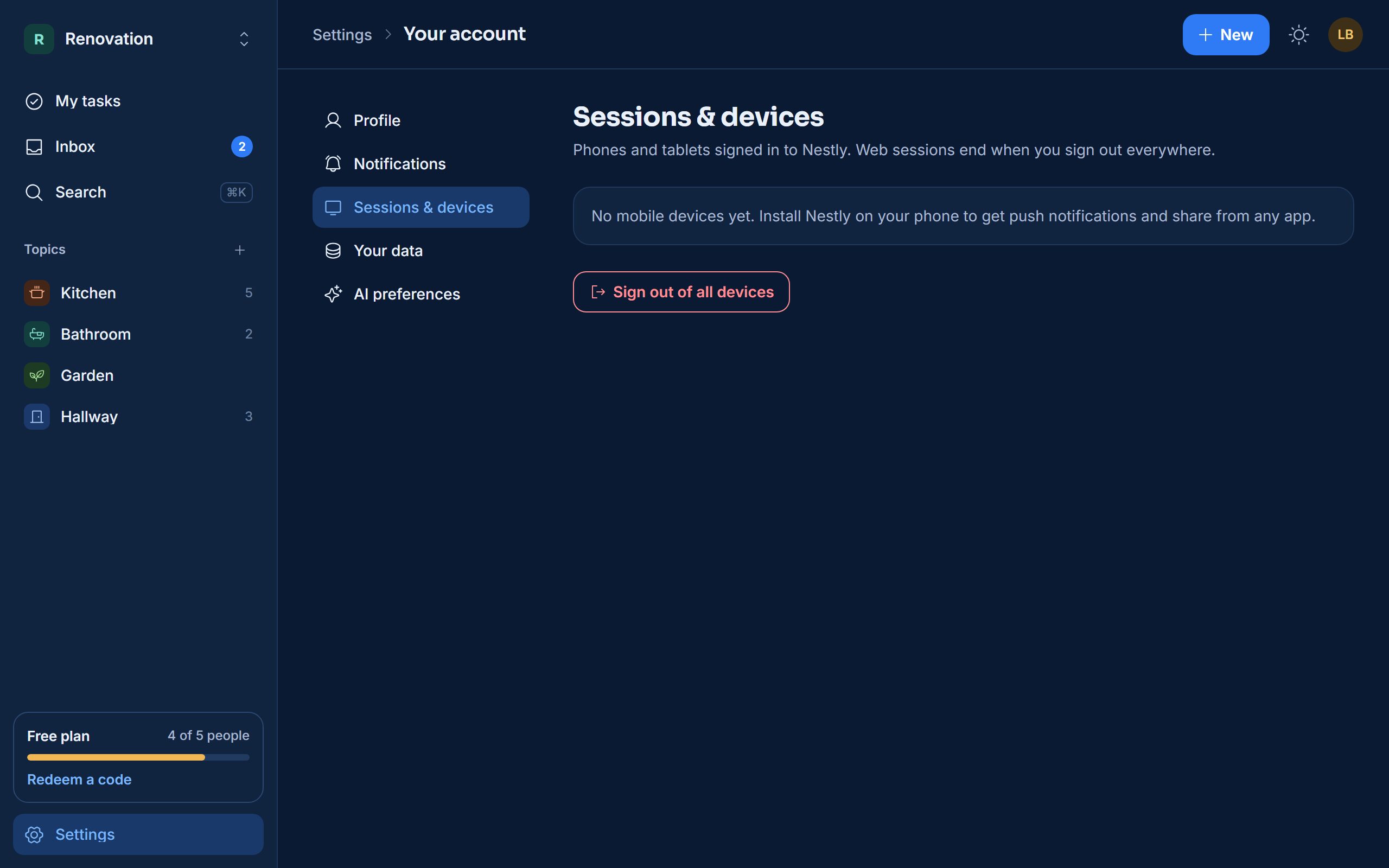
- Settings › Sessions & devices lists every browser and phone signed in to your account. Sign out a single device or everything at once.
iPhone and Android
- Profile › Sessions & devices shows the same list.
Export or delete your data
Web app
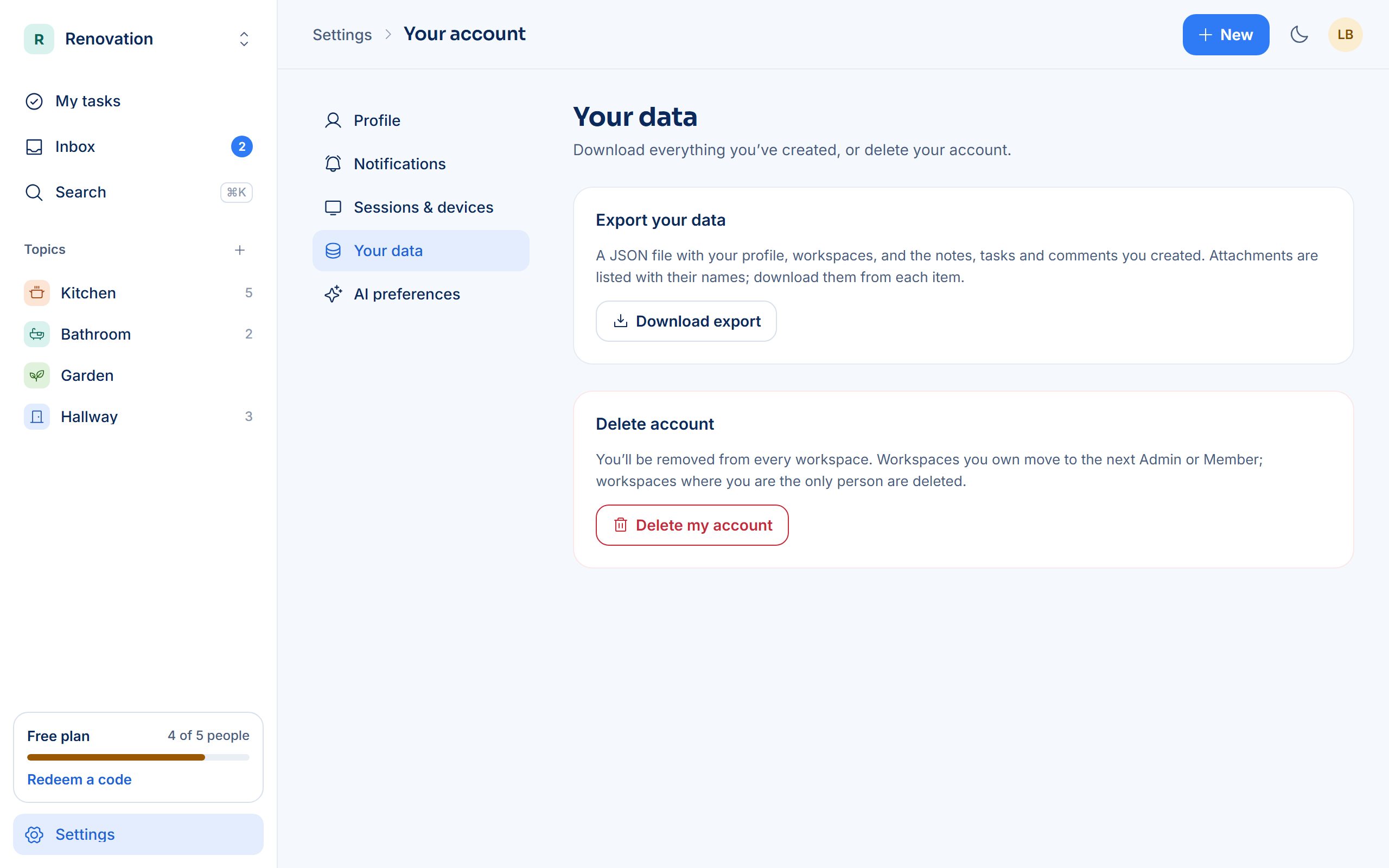
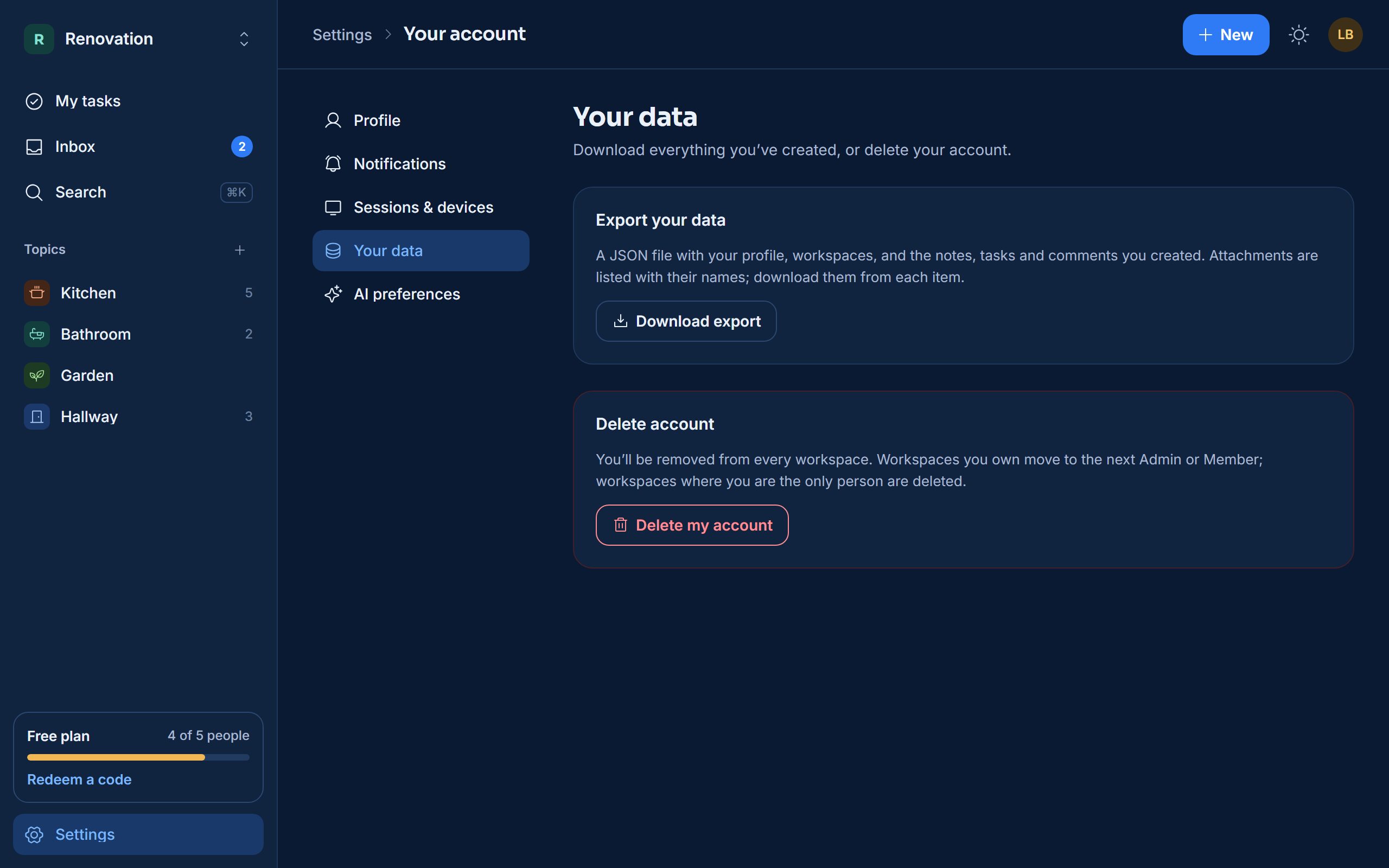
- Settings › Your data › Export downloads everything you created as a file.
- Delete account removes your profile, devices and preferences and takes you out of every workspace. Workspaces you own pass to the next Admin or Member; workspaces where you are the only person are deleted. It cannot be undone.
iPhone and Android
- Profile › Delete account does the same from the phone. Exports are prepared on the web.
Didn’t find what you were looking for? Check the FAQ or contact us.