

Plans and promo codes
What Free includes, how to redeem a code and what happens when a plan ends.
Free, Team and Business
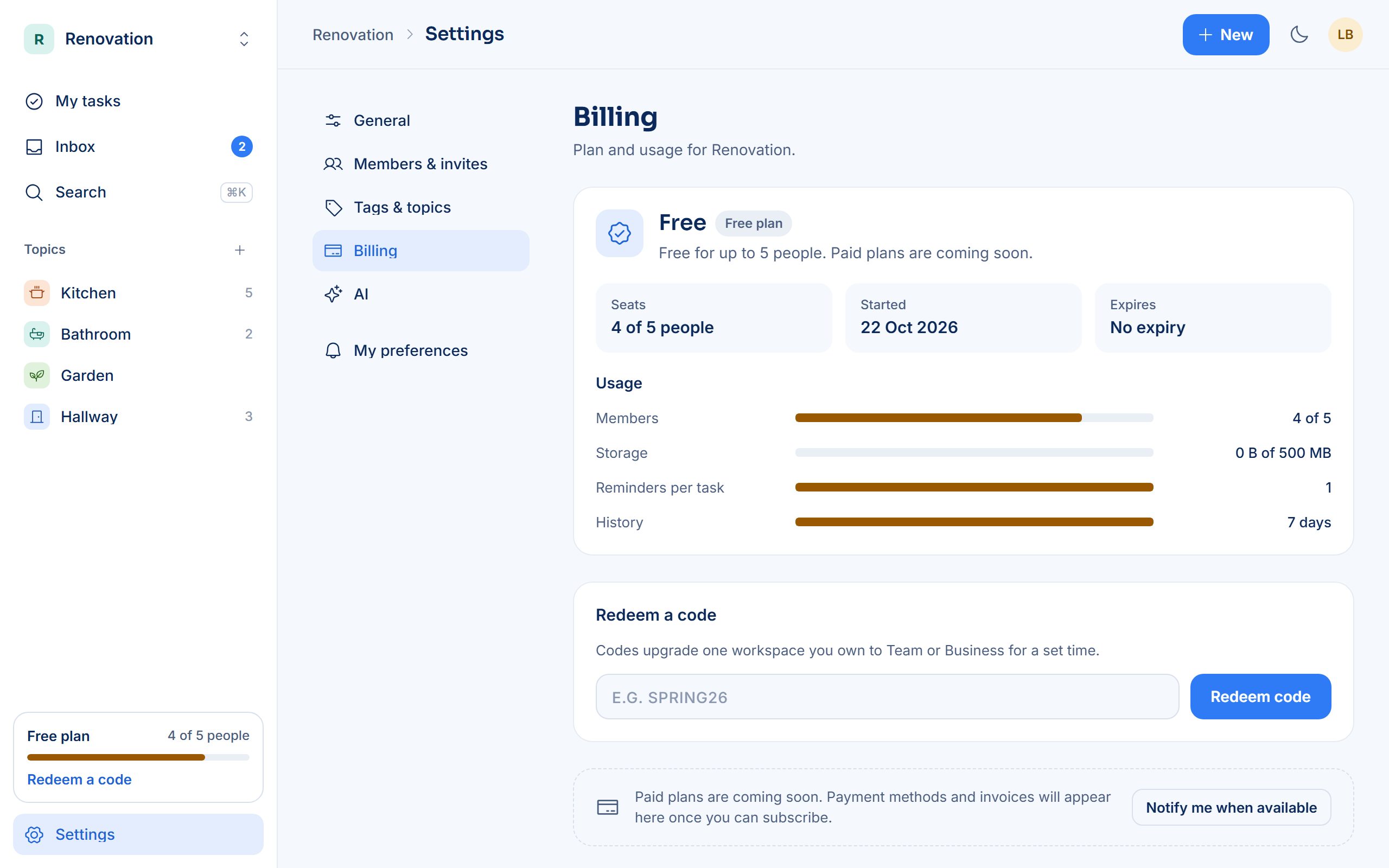
Every workspace starts on Free, which stays free. Team and Business lift the limits on members, storage, file size, history, reminders and views and add roles, calendar sync and more AI credits. The pricing page shows the current limits of each plan.
Redeem a promo code
Web app
- Open Settings › Billing in the workspace you own and choose Redeem a code, or open the redeem page from a code link.
- Enter the code, pick the workspace it should apply to and confirm. The plan or AI credits are applied at once.
iPhone and Android
- Profile › Redeem a code, enter the code and choose a workspace you own.
When a plan ends
Owners get a notice 14 and 3 days before a granted plan ends. Afterwards the workspace returns to Free: everyone stays, nothing is deleted, and features beyond Free become read-only or limited until the workspace is upgraded again.
The apps don’t sell plans. Choose Notify me when available on the billing page to hear when paid plans launch.
Didn’t find what you were looking for? Check the FAQ or contact us.