
The iPhone and Android app
A tour of the app: tabs, quick add, offline, voice notes and sharing.
Home, Workspace, Inbox, Profile
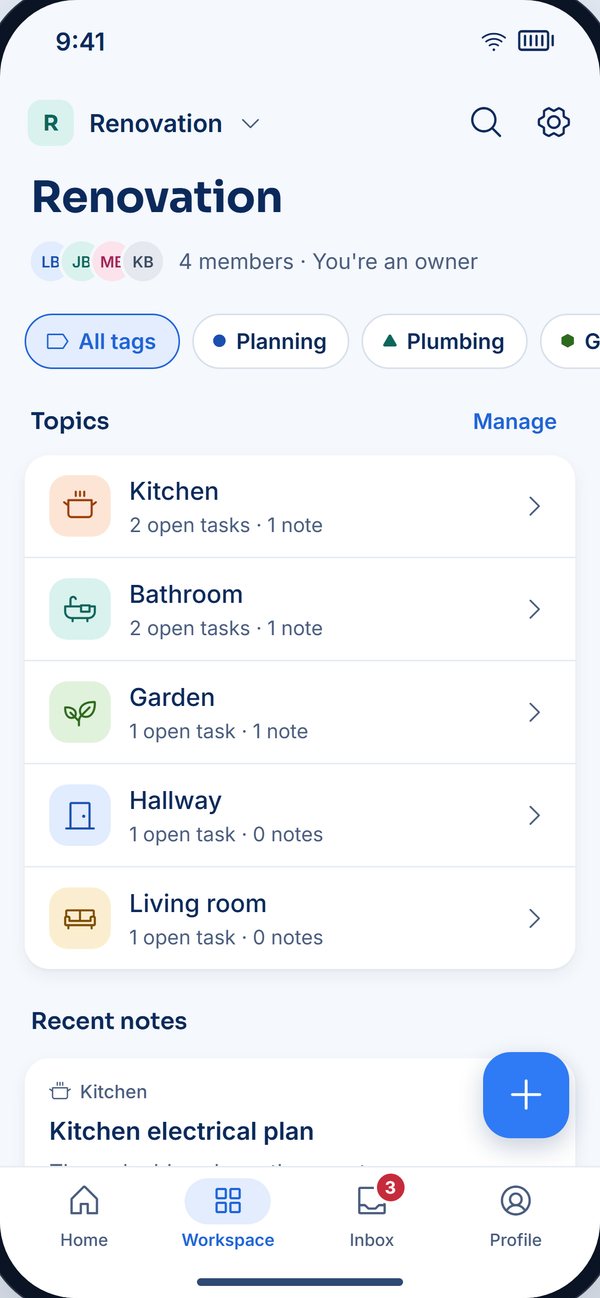
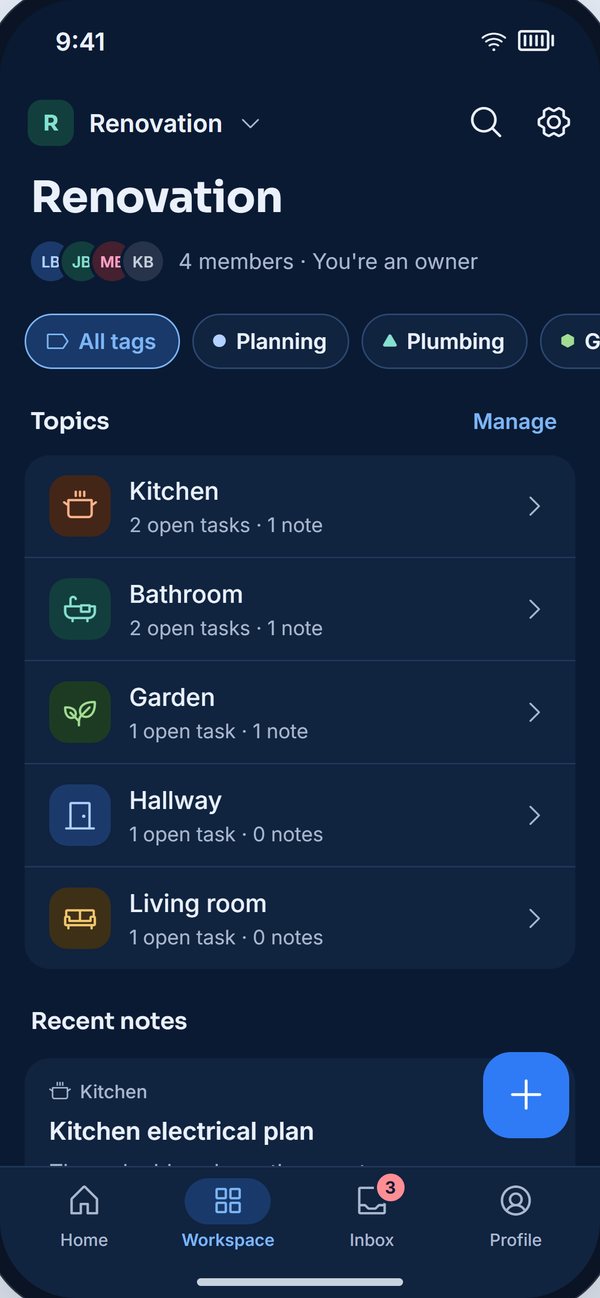
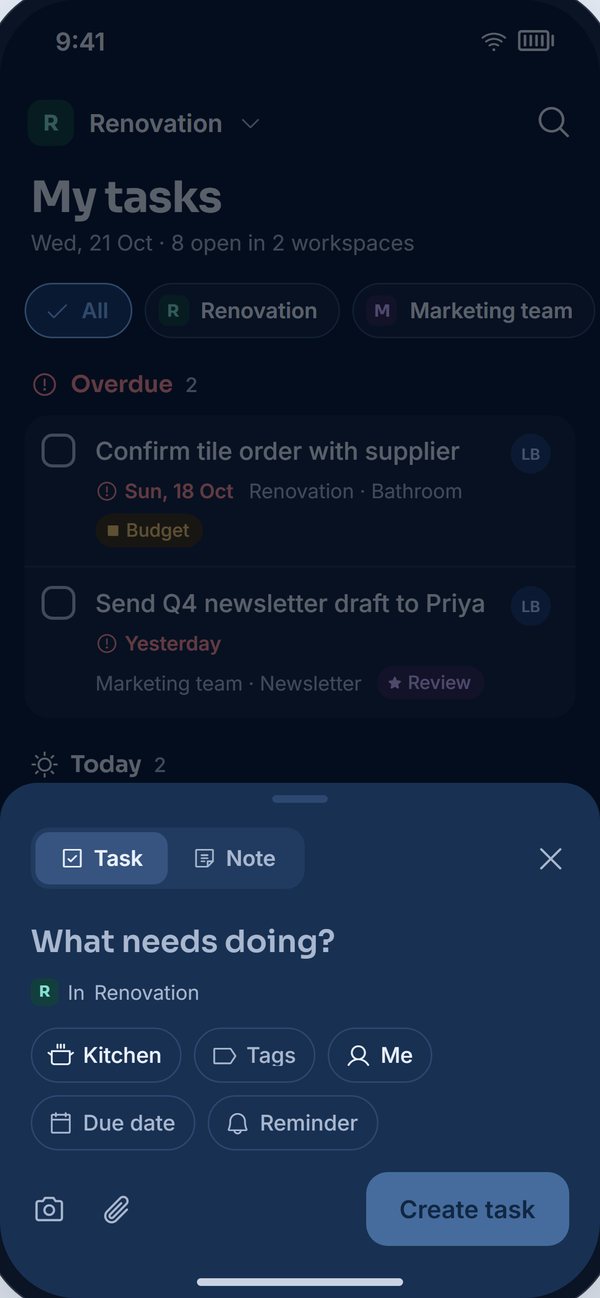
Home is My tasks: everything assigned to you, grouped by Overdue, Today, Upcoming and No date, with a chip per workspace to filter. Workspace shows the topics and recent notes of the current workspace; tap its name to switch. Inbox and Profile do what they say.
Quick add
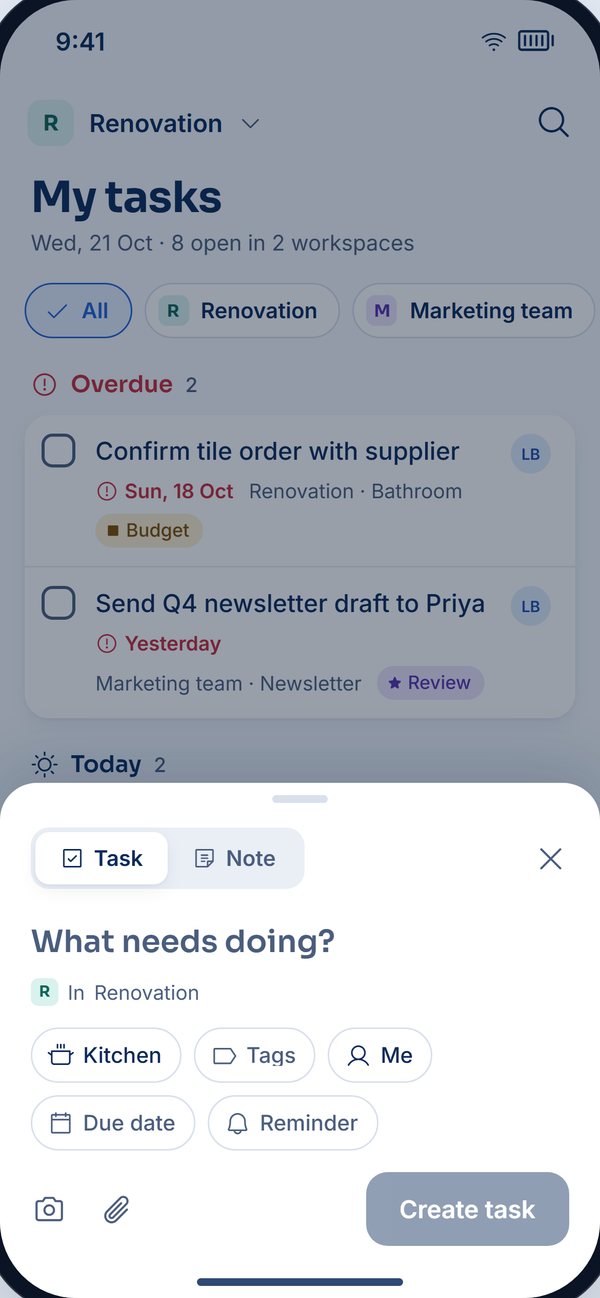
- Tap the round + button on any tab. Choose Task or Note, type a title and set the topic, tags, assignee, due date and reminder with the chips.
- Attach a photo or file, or record a voice note, before you save.
Offline and background uploads
Without a connection you can still read what you opened before and create notes and tasks; a banner shows you are offline and your changes are queued. Uploads run in the background and survive closing the app.
Voice notes
- Record from the + sheet or from a task or note. The first time, the app asks for microphone access and explains why.
- Recordings are attached like any file; if AI is on they are transcribed and summarized, and you are notified when the summary is ready.
Notifications and links
Reminders, assignments, mentions and invitations arrive as push notifications and open the right task or note. Links to Nestly (for example an invitation or a code link) open directly in the app.
Sharing from other apps is covered in its own guide: Share anything into Nestly.
Didn’t find what you were looking for? Check the FAQ or contact us.