

Inbox and notifications
Assignments, mentions, reminders and invites in one place, with quiet hours.
The inbox
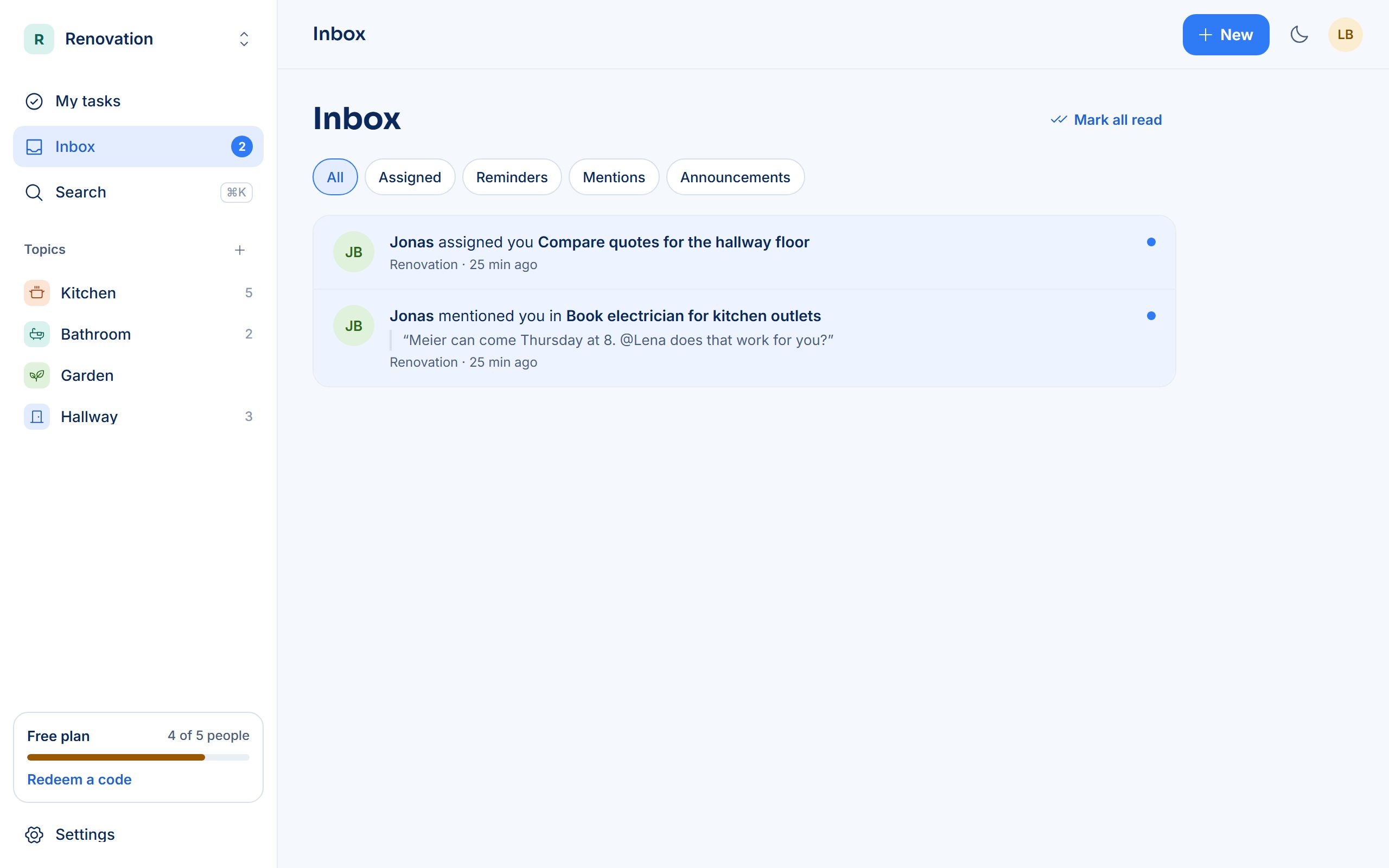
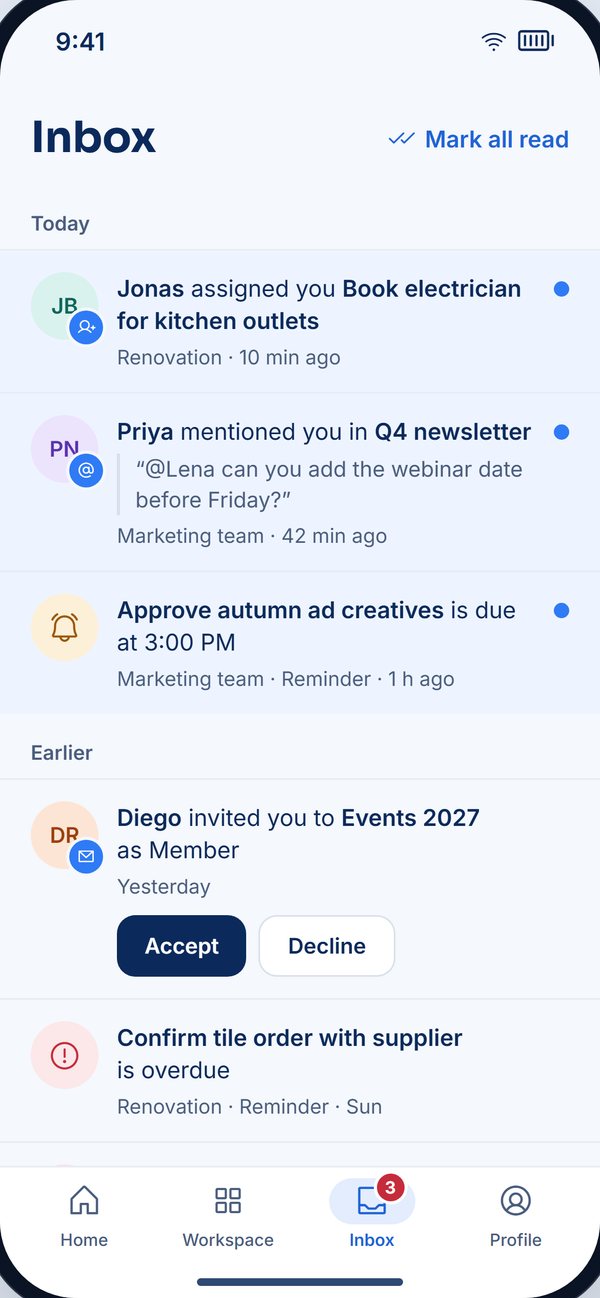
Everything addressed to you arrives in the inbox: tasks assigned to you, mentions in comments, reminders, workspace invitations, plan notices and announcements.
Web app
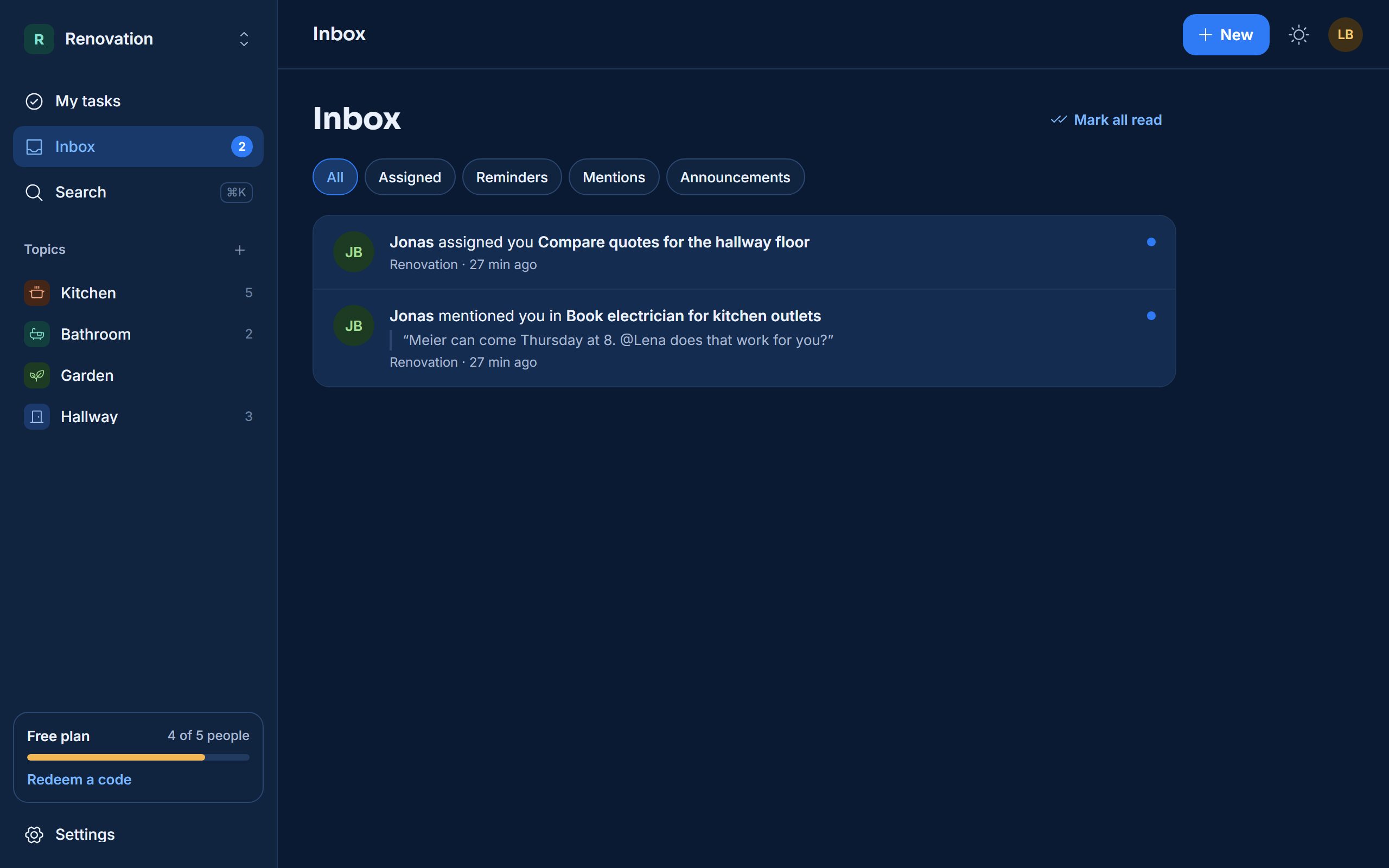
- Open Inbox from the sidebar. Filter by type with the tabs, click an item to open it in place, and use Mark all read when you are done.
iPhone and Android
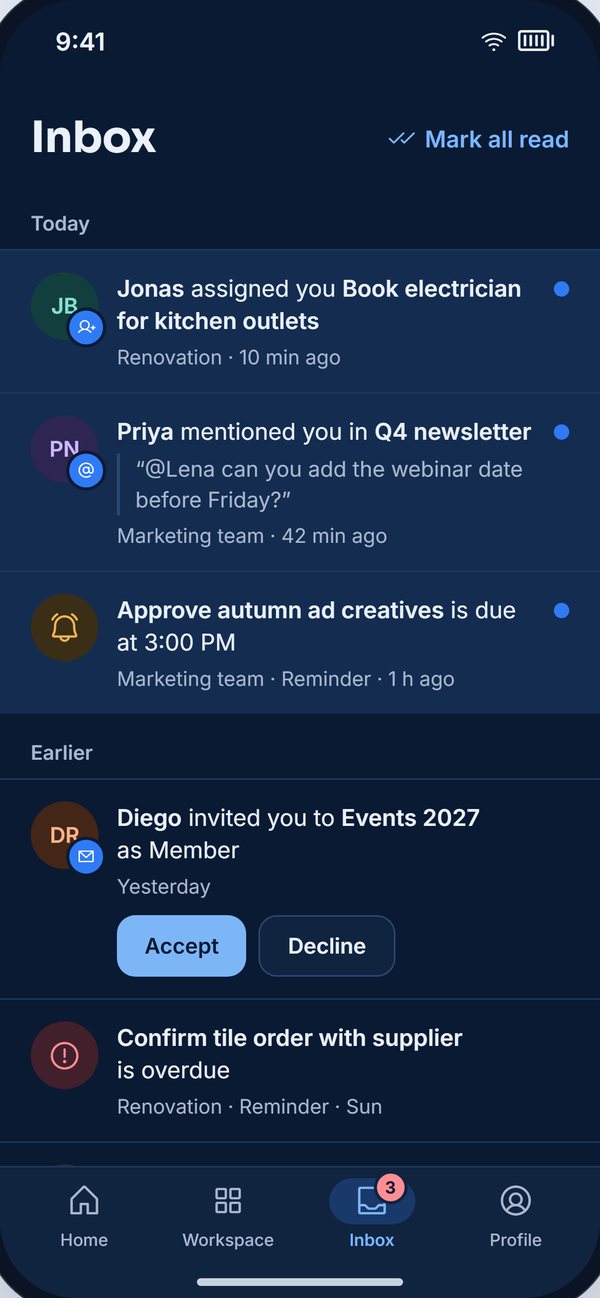
- The Inbox tab shows Today and Earlier. Unread items have a dot; accept or decline invitations right there.
Choose what you are notified about
Web app
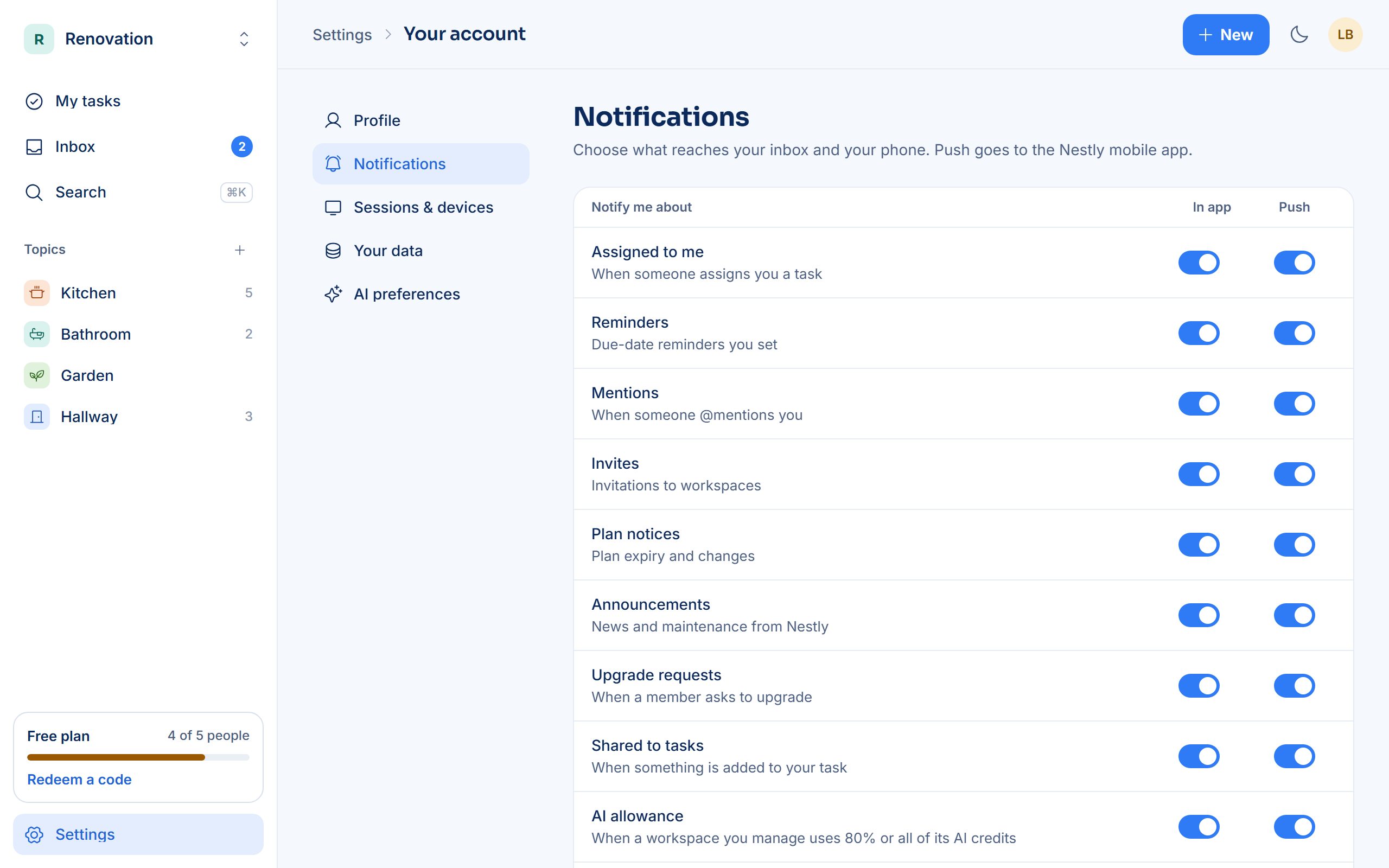
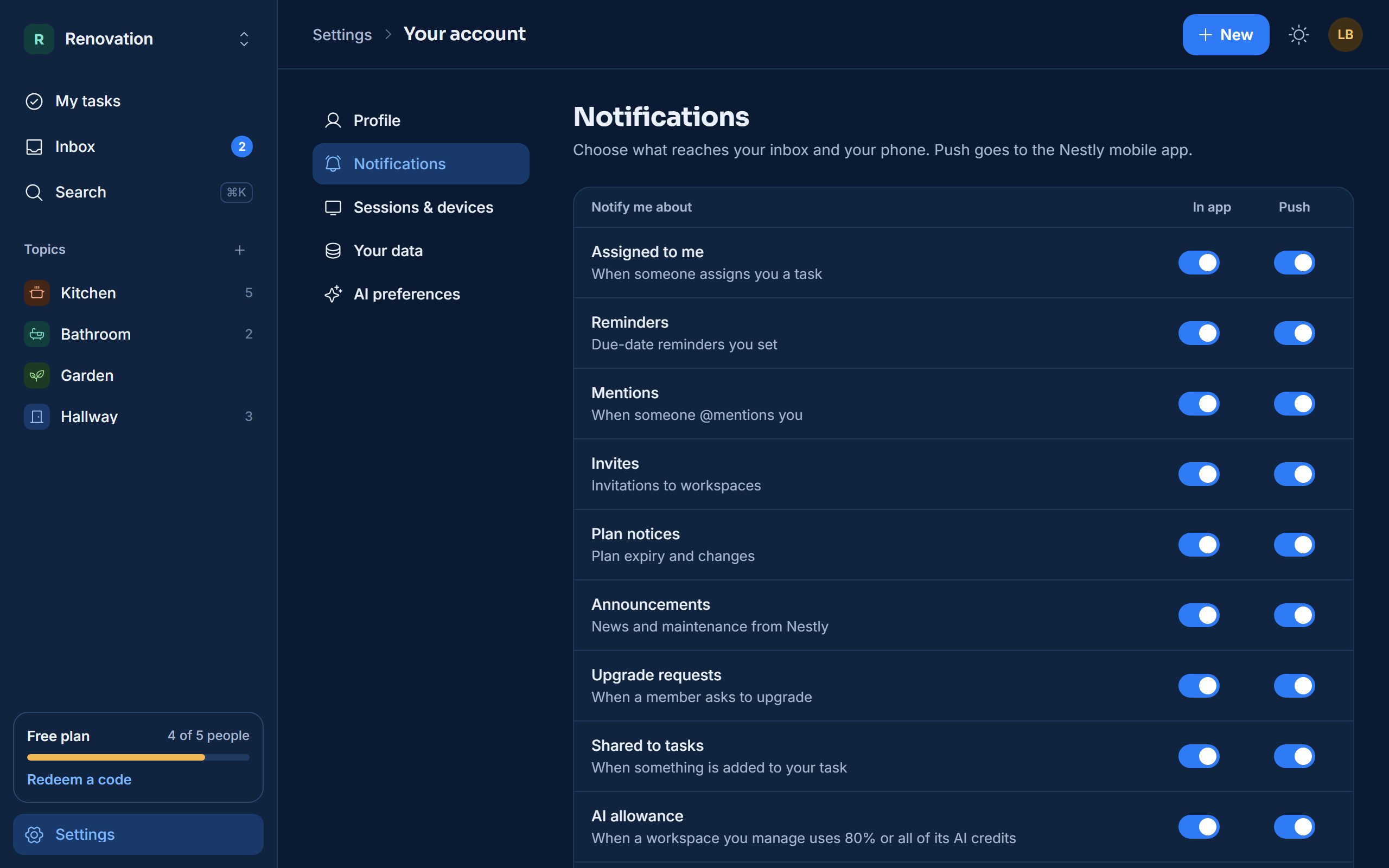
- Settings › Notifications lists every notification type with in-app and push switches, your default reminder and quiet hours.
iPhone and Android
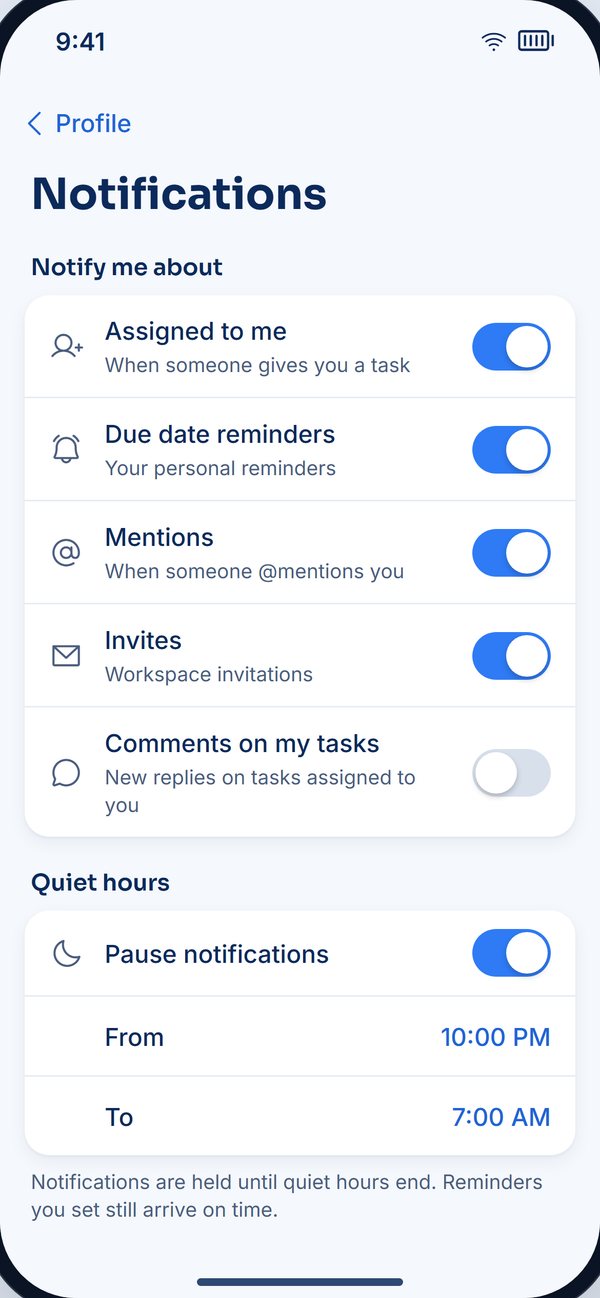
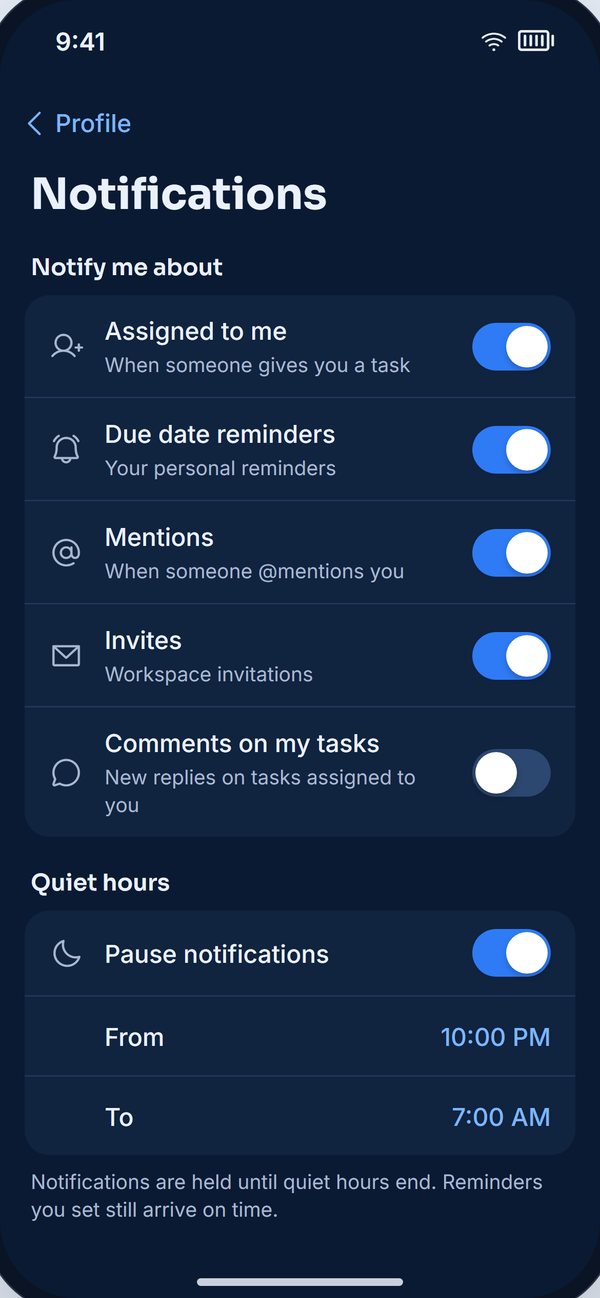
- Profile › Notifications has the same switches. Push notifications also need permission from your phone; you can change it in the system settings at any time.
During quiet hours pushes are held until the quiet period ends, except due-date reminders, which always arrive on time.
Didn’t find what you were looking for? Check the FAQ or contact us.