

Share anything into Nestly
Send a photo, a WhatsApp message, a link or a file from any app to a note or task.
Share from another app
Nestly appears in the share sheet of your phone. Whatever you share becomes a new note, a new task, or an attachment on something that already exists.
iPhone and Android
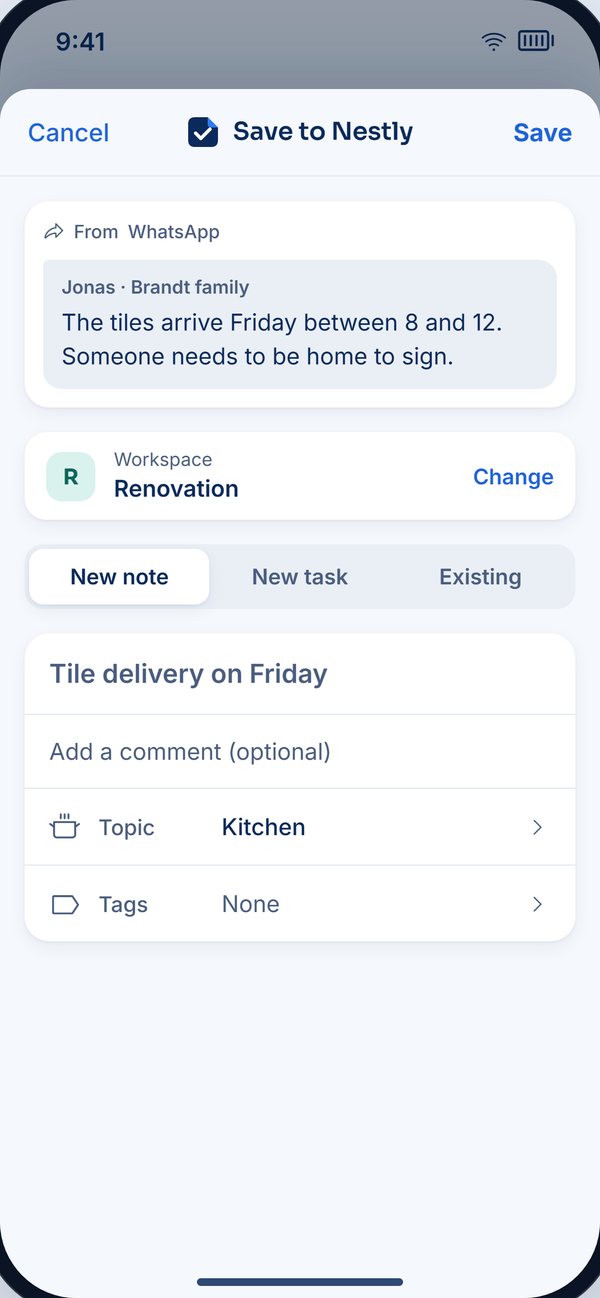
- In any app (Photos, WhatsApp, your browser, Files…), choose Share and pick Nestly.
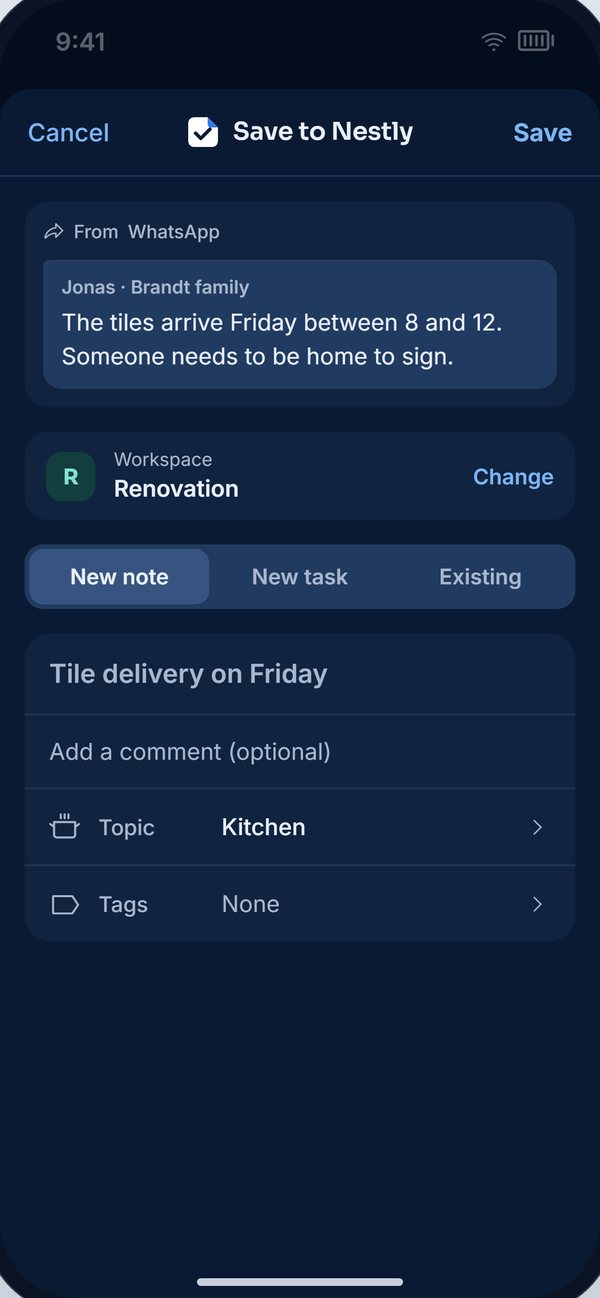
- Check the preview, pick the workspace, then choose New note, New task or Add to existing.
- Optionally add a title, a comment, a topic and tags, and for a task an assignee and a due date. Tap Save.
- Uploads continue in the background. If you are offline the item is queued and sent when you reconnect.
What happens to each kind of content
Text, such as a WhatsApp message, is added as a quote. Links get a preview card. Photos are shown inline in notes and as attachments on tasks. Videos, PDFs and other files become attachments with a thumbnail or file icon, and several items shared together land on the same note or task.
If the workspace has AI switched on, the share sheet offers Summarize with AI, so the summary and key points are ready when the upload finishes.
On the web
Web app
- Drag files onto a note or task, or use the attachment button. Paste a link into a note to get its preview.
Didn’t find what you were looking for? Check the FAQ or contact us.