

Search and the command palette
Find notes, tasks, topics and comments across workspaces, and jump anywhere with ⌘K.
Search
Web app
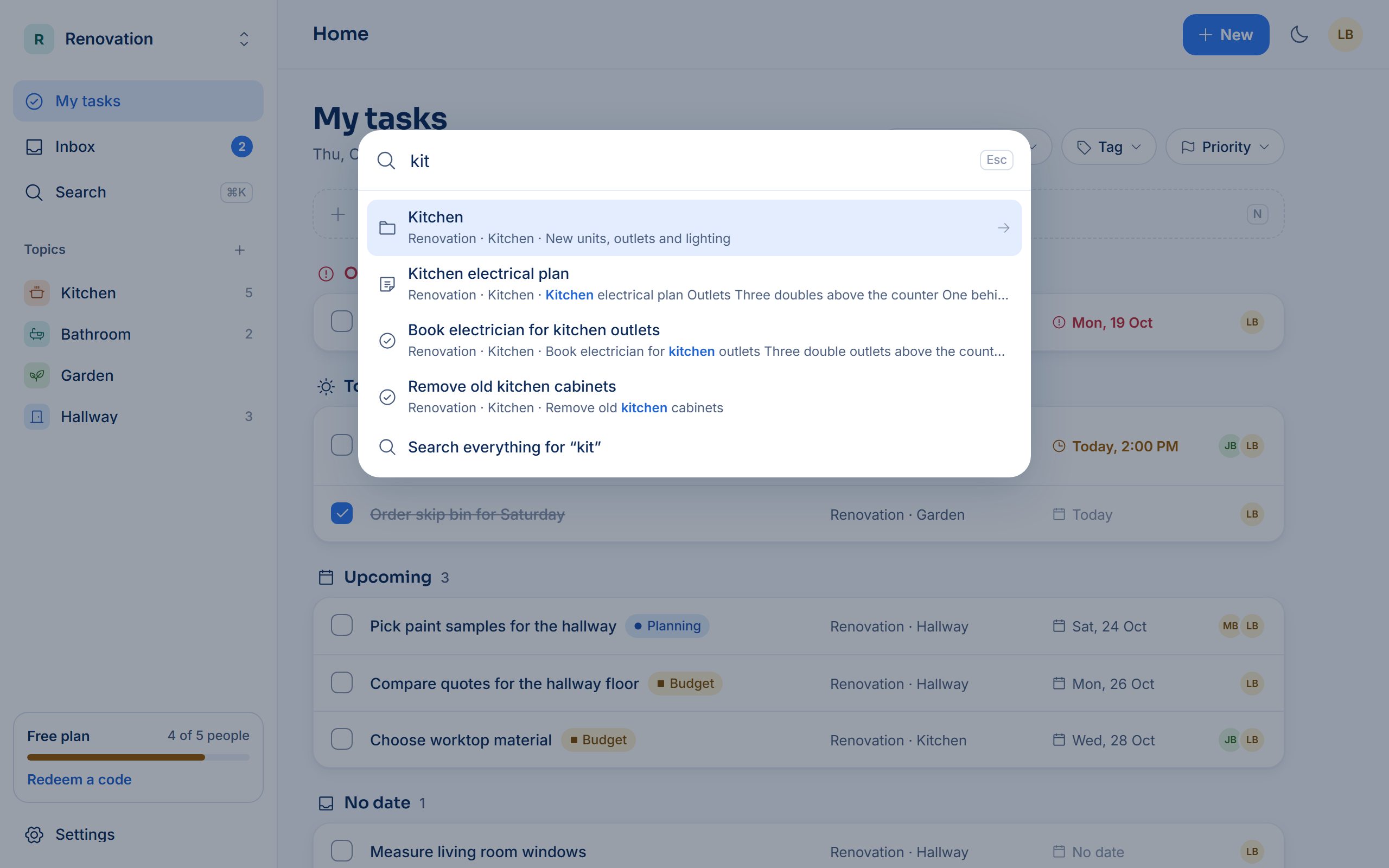
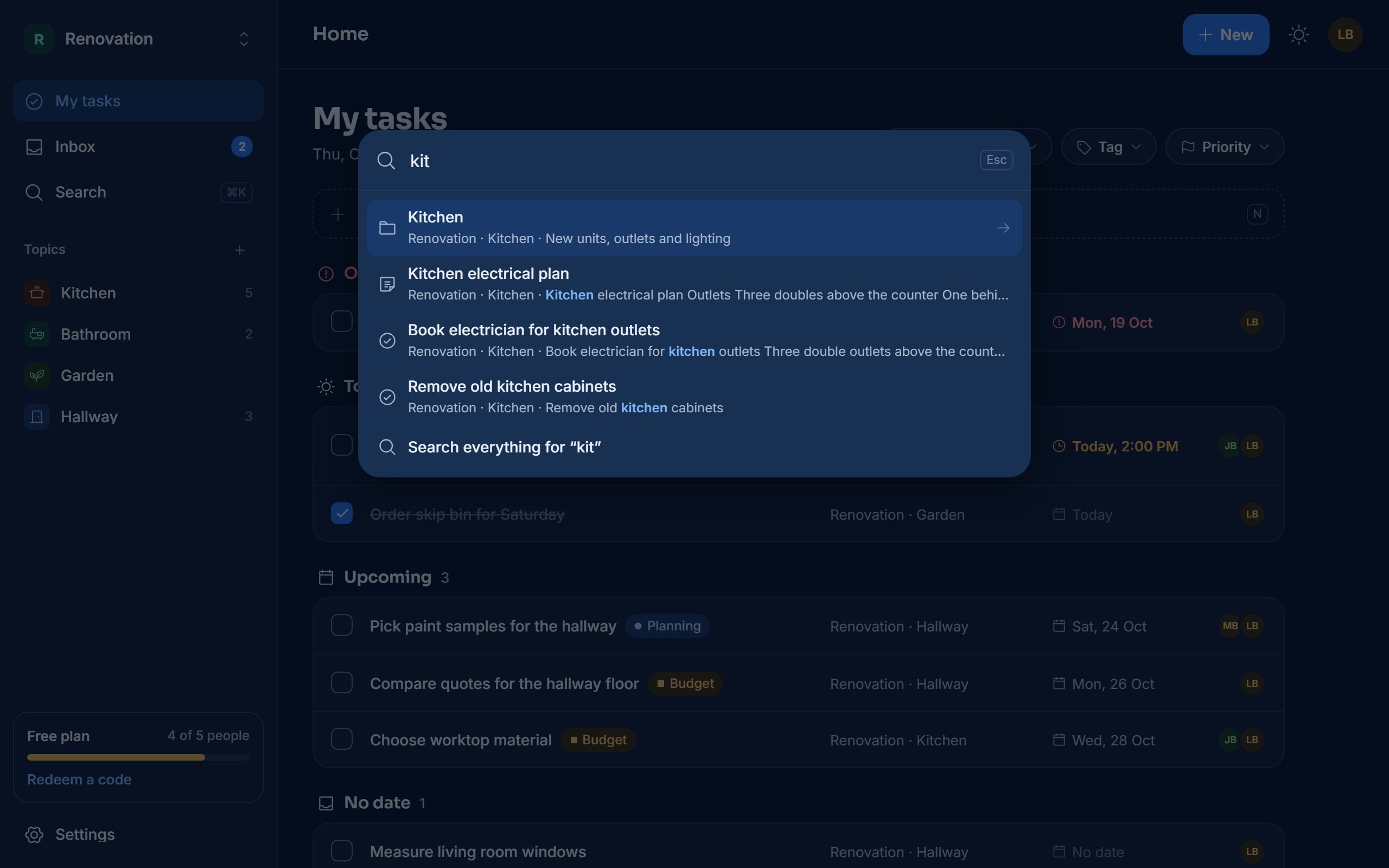
- Press Ctrl K (⌘K on a Mac) anywhere, or open Search from the sidebar.
- Type to search titles and text. Filter by type (tasks, notes, topics, comments), tag, assignee or workspace. Press Enter to open a result.
iPhone and Android
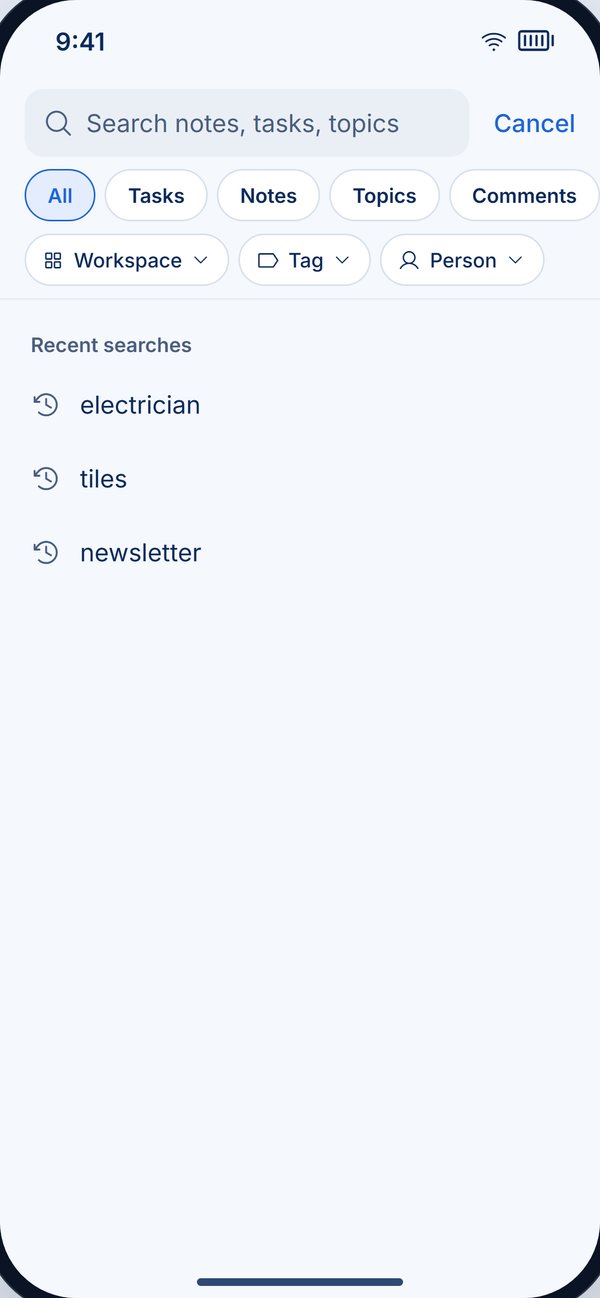
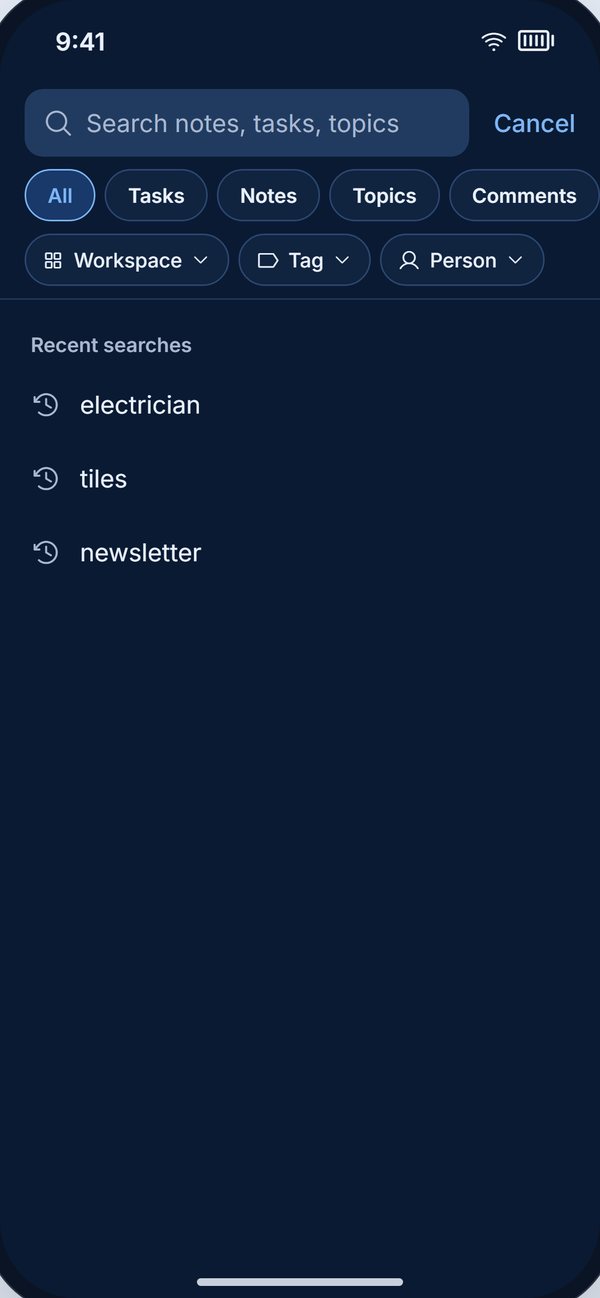
- Tap the magnifier in the Workspace tab. Recent searches appear first; use the chips to narrow the type and the filters for workspace, tag and person.
Voice notes and summaries
When AI is on in a workspace, transcripts of voice notes and AI summaries are searchable too, so you can find what was said in a recording.
Didn’t find what you were looking for? Check the FAQ or contact us.