

Topics and tags
Group notes and tasks into topics and cut across them with color-coded tags.
Topics
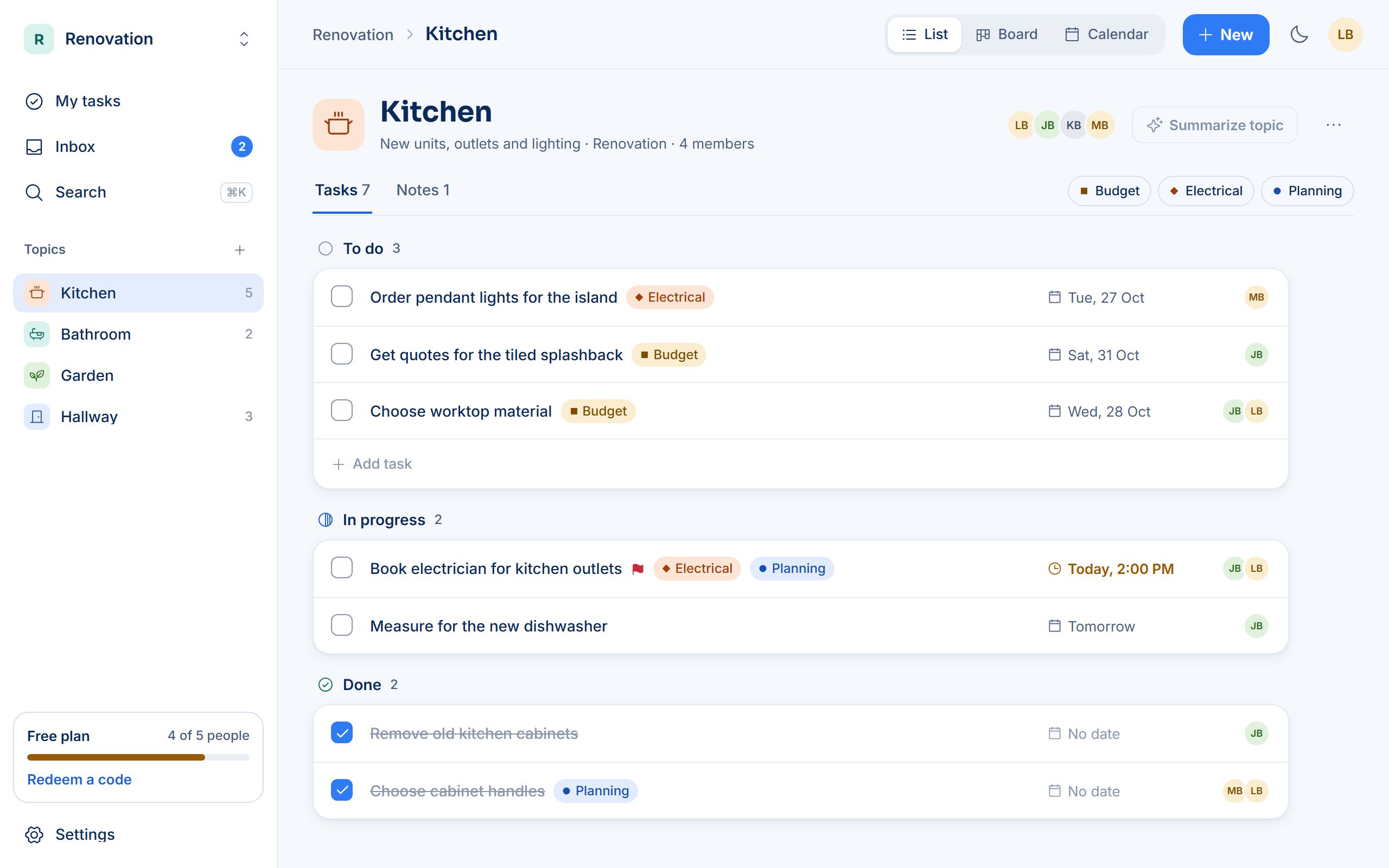
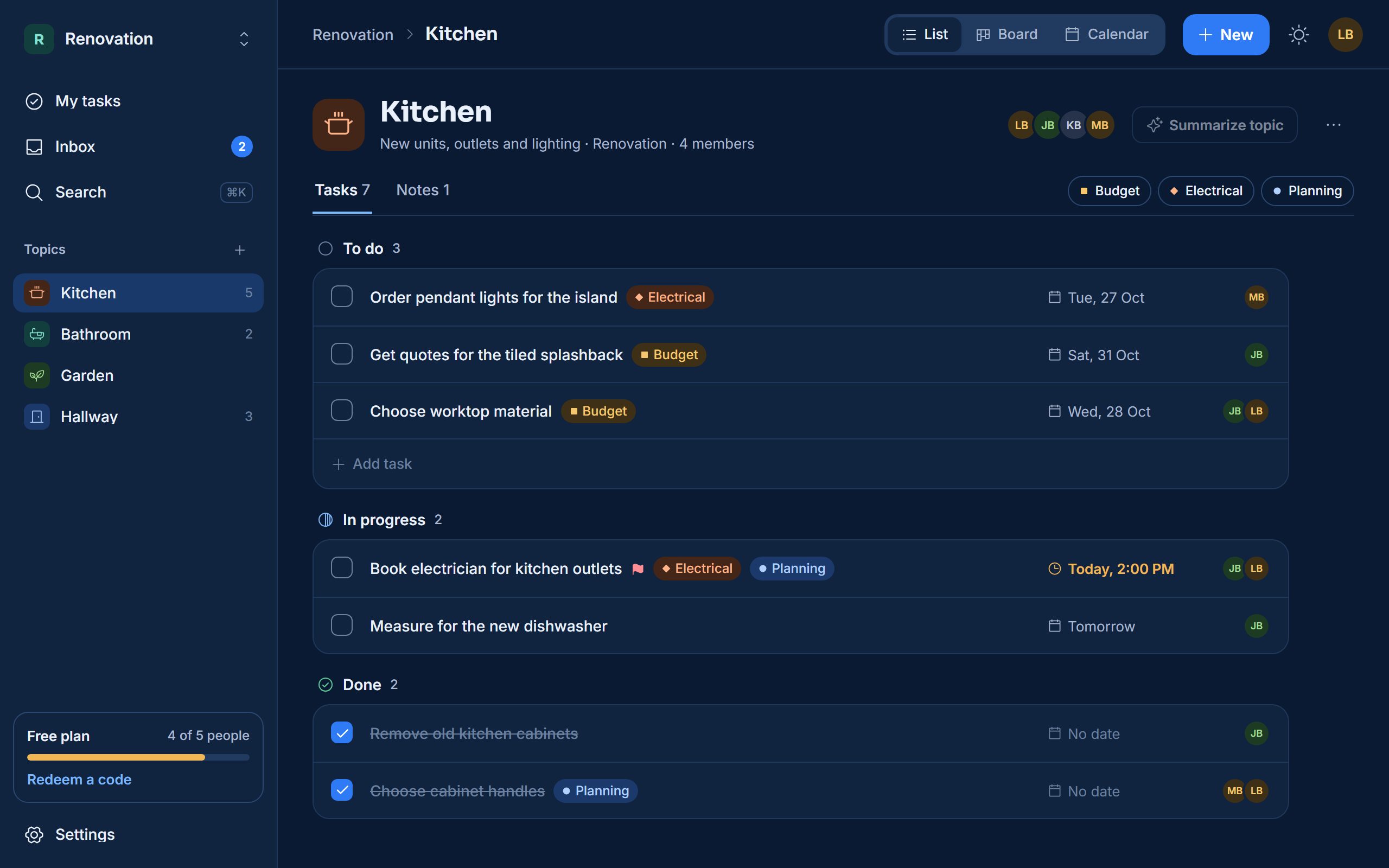
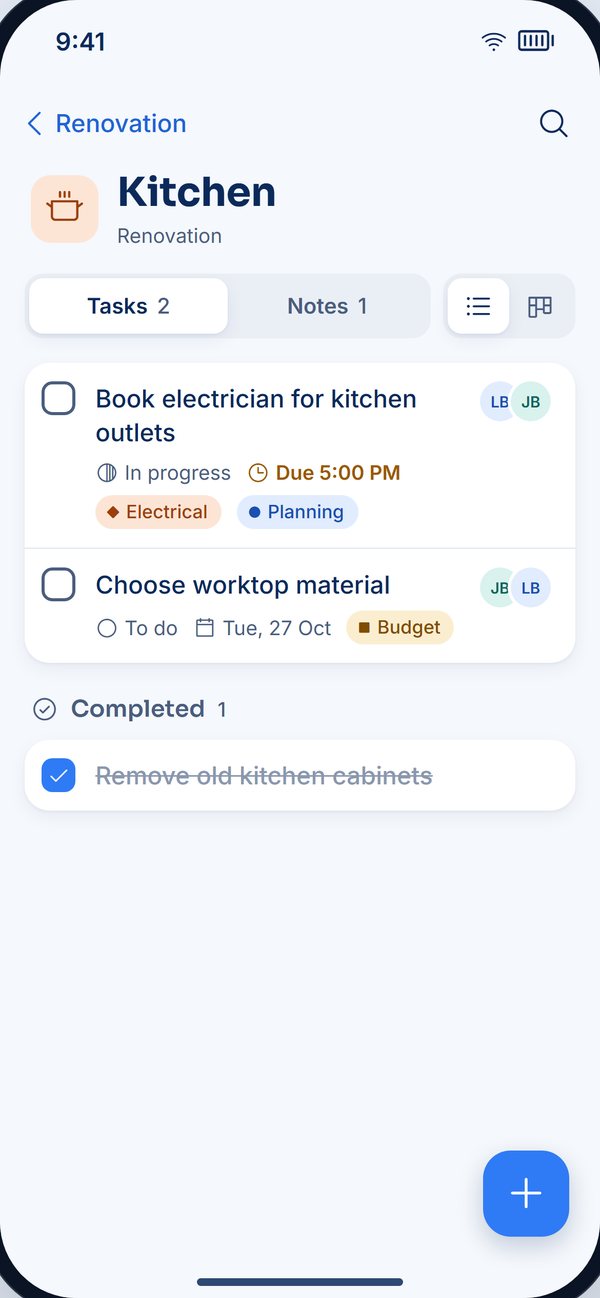
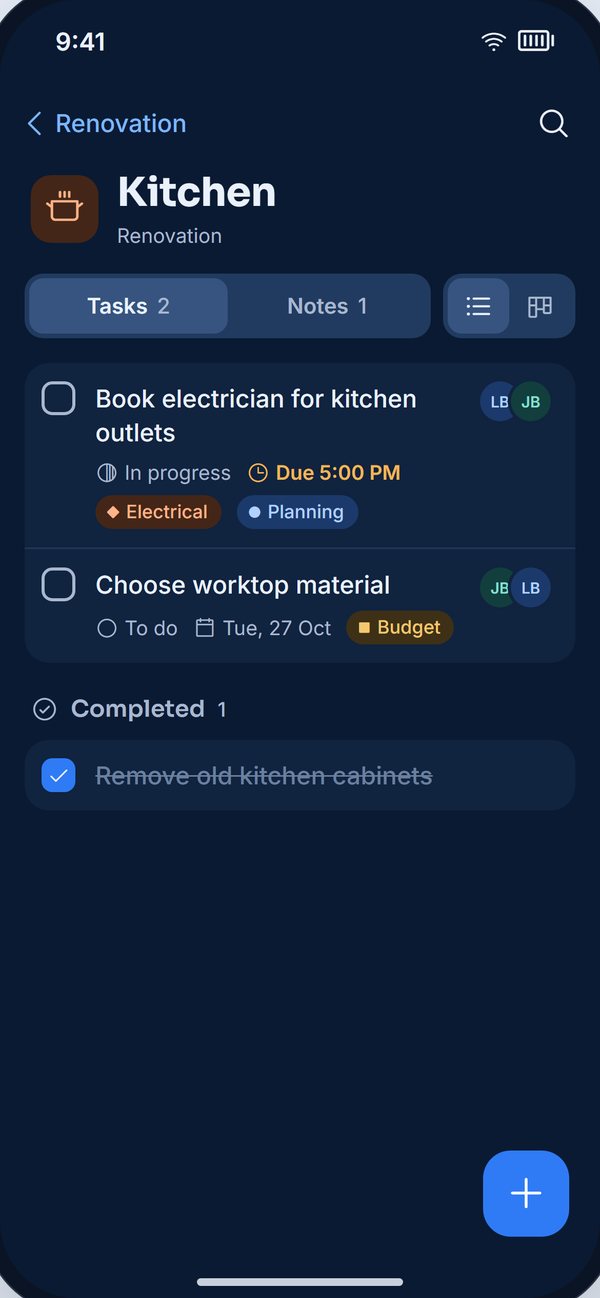
Every note and task belongs to one topic, such as Kitchen, Q4 campaign or Trip to Lisbon. Topics have a name, a color and an icon, and appear in the sidebar and the Workspace tab.
Web app
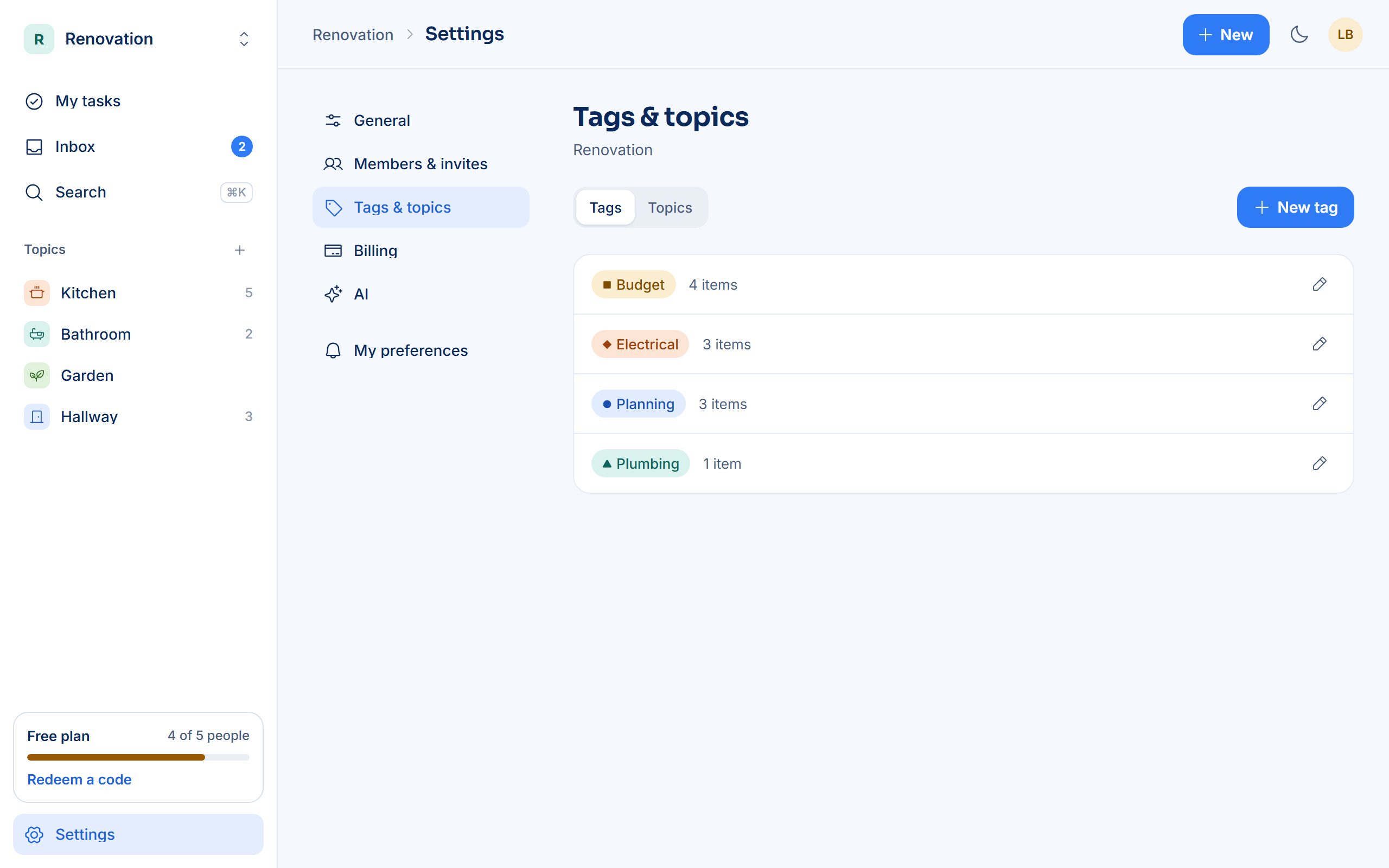
- Create a topic from the sidebar’s + next to Topics, or from Settings › Tags & topics.
- Drag topics to reorder them. Archive a topic you no longer need; its content stays searchable and you can restore it later.
iPhone and Android
- In the Workspace tab, tap the + next to Topics, or open settings › Tags & topics to reorder, archive or restore topics.
Tags
Tags are workspace-wide labels with a color. An item can have several tags, so you can pull up everything marked Budget or Urgent across all topics.
Web app
- Add tags from the tag field in a task or note. Type a new name to create a tag on the spot.
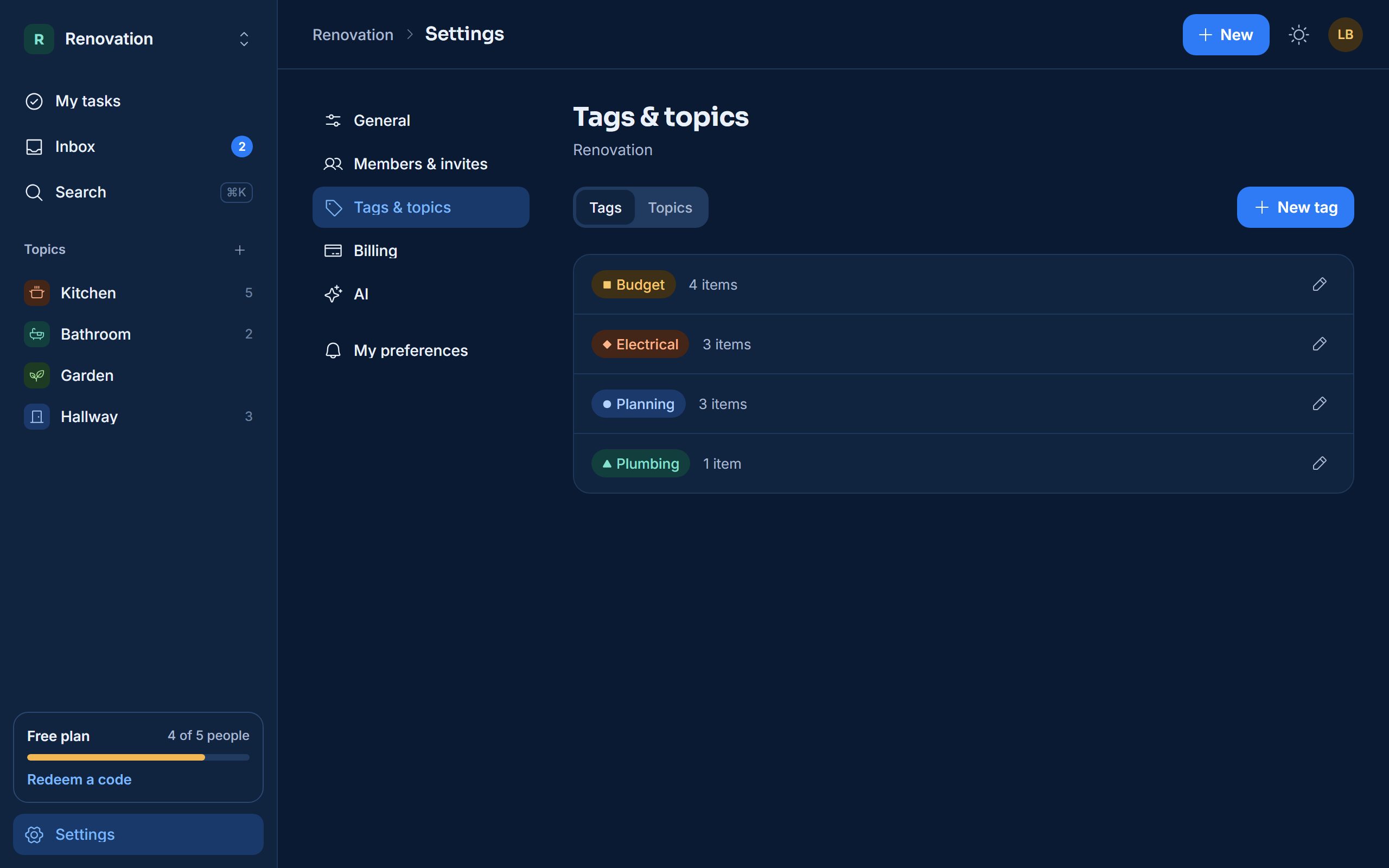
- Manage names and colors in Settings › Tags & topics. Filter any topic by clicking a tag chip at the top.
iPhone and Android
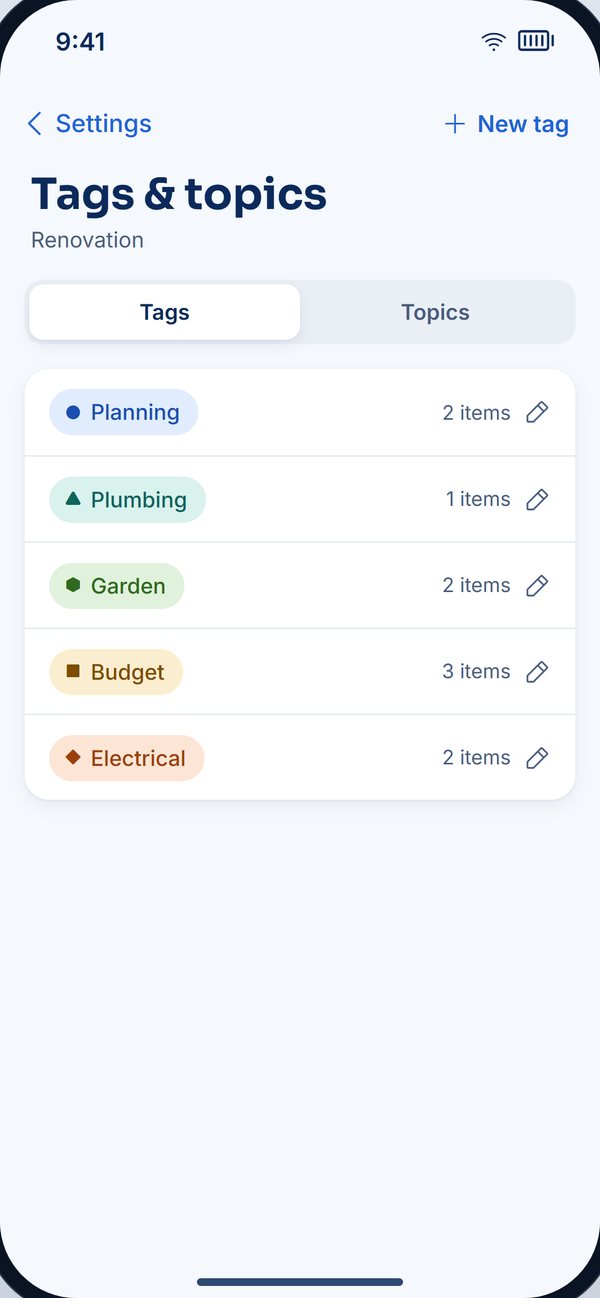
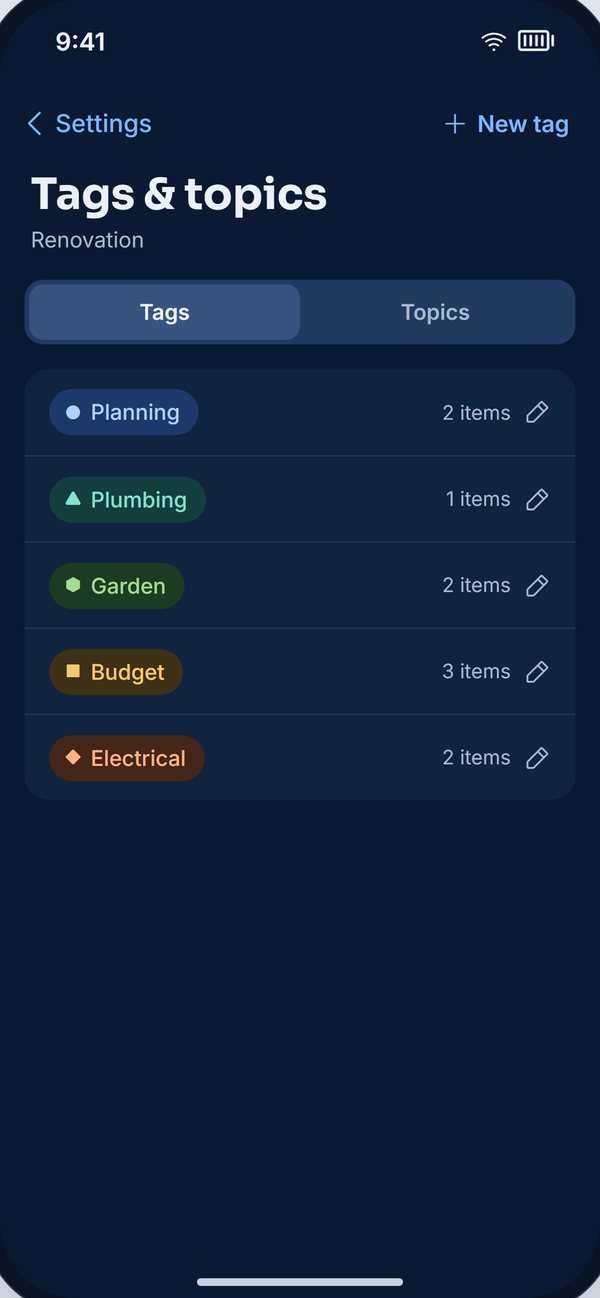
- Tap the tag chip in a task, note or the quick-add sheet. Manage tags in Workspace › settings › Tags & topics.
Didn’t find what you were looking for? Check the FAQ or contact us.